Choosing antivirus software can be tricky, but breaking it down into simple sections makes it easier. Below, each option is explained in short paragraphs, with added bullet points and comparison tables to make the guide more attractive and easy to read.
What is the antivirus?
Antivirus software is a type of computer protection program designed to safeguard your system from harmful threats. Its primary job is to detect, block, and remove viruses, but it also defends against other malicious software such as worms, spyware, and adware. By running in the background, most antivirus tools provide real-time protection, acting as a proactive shield against cyberattacks before they can damage your files or compromise your privacy.
It’s a common misconception that avoiding suspicious websites is enough to stay safe online. In reality, hackers use far more advanced techniques to infiltrate systems, meaning even cautious users are at risk. Without strong antivirus protection, your computer could be exposed to serious consequences. Viruses can crash your device, steal sensitive information, or even spy on you through your webcam.
That’s why installing and maintaining reliable antivirus software is essential. It’s not just about protecting your computer—it’s about securing your personal data and peace of mind.
Read on to find out our top picks below and if certain apps better fit your needs.
Malwarebytes
Malwarebytes is trusted worldwide for its strong protection against malware and phishing. It’s simple to use and doesn’t overwhelm beginners. You can easily install malewarebytes in any platforms like Android, iOS, Windows, and even in Macbook.
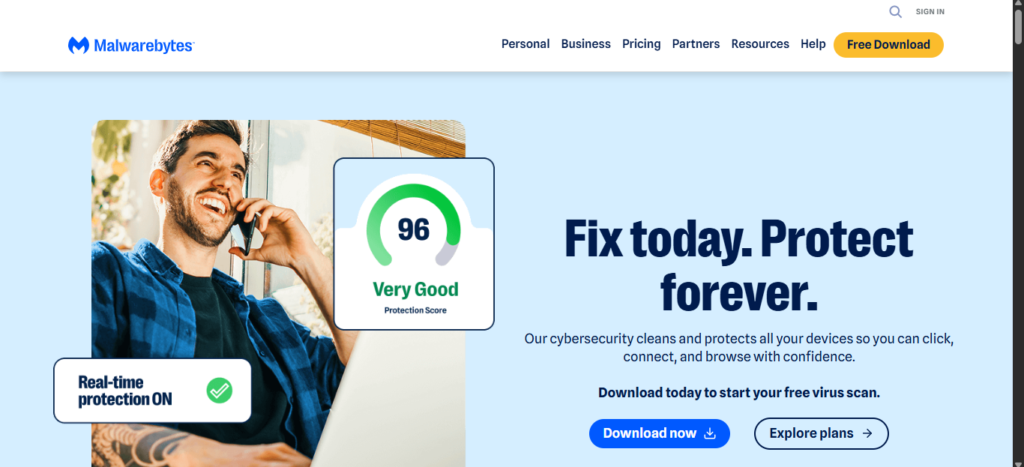
This app provides reliable protection against malware, viruses, and phishing attacks while not overwhelming the user with clutter or forced subscriptions. The free version offers on-demand malware detection and digital footprint scans. If you want a robust defense, the paid version lets you give real-time protection plus automated scan scheduling.
Key Features:
- Real-time protection (paid version)
- Browser Guard extension
- Trusted Advisor tool
- Free version available for manual scans
- 14-day free trial
- Customer support options: live chat, AI chatbot, email
Notable features include Trusted Advisor, which provides recommendations to improve protection, and Browser Guard, a browser extension that blocks threats. Malwarebytes offers a free 14-day trial to try out the subscription.
Who can use Malwarebytes?: Malwarebytes is great for anyone who wants quick, reliable protection for their computer that doesn’t require a college degree to figure out. Its user interface is very friendly and easy to navigate.
Norton 360 Deluxe
Norton offers one of the most complete antivirus packages. It covers everything from malware defense to cloud backup. This has an all-in-one solution designed to protect you and your family across devices. Help block scams with AI-powered Scam Protection, stay private on public Wi-Fi with Secure VPN, and get alerts if your personal info is found on the dark web.
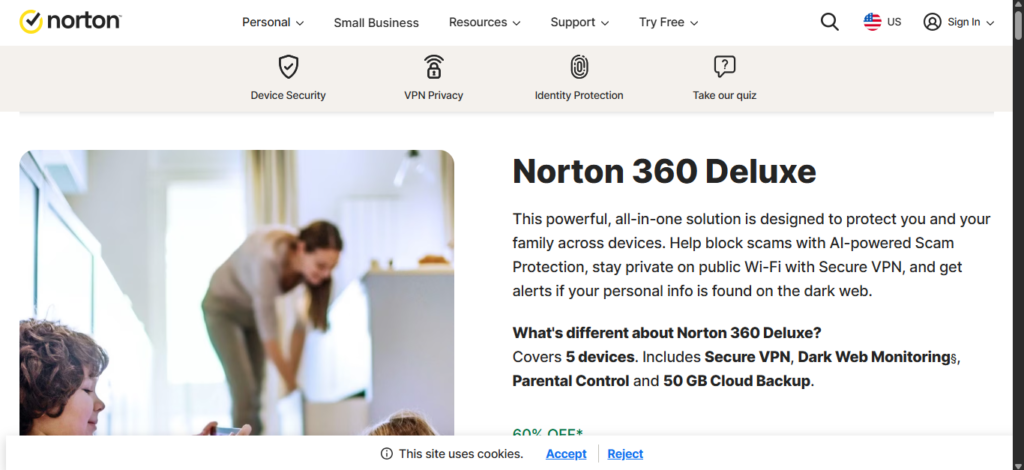
It carries a powerful defensive arsenal that keeps you and your information safe. You have the usual security features like protection against viruses, malware, ransomware, and hacking. You also get a password manager, Dark Web monitoring, which scans hidden parts of the internet to locate sensitive information, and 50GB of cloud backup.
It’s simple to set up. Upon installation, you’ll be asked a series of simple questions such as which protection features you want enabled and whether you want to activate cloud backup.
Key Features:
- Protection against viruses, ransomware, and hacking
- Password manager and VPN included
- Parental controls for families
- 50GB cloud backup
- Protect up to 10 devices
Who can use Norton 360?: Norton 360 Deluxe is a great choice for people who want comprehensive security coverage. It’s the plan that provides the most value out of the four available. You get the service’s main protection features, as mentioned earlier, plus the ability to cover up to five PCs, Macs, tablets, or smartphones.
TotalAV
TotalAV is affordable yet effective, making it a good choice for budget-conscious users. Antivirus developers often charge a lot of money, but luckily, there are plenty of cheap options available, and TotalAV stands tall as one of the best.
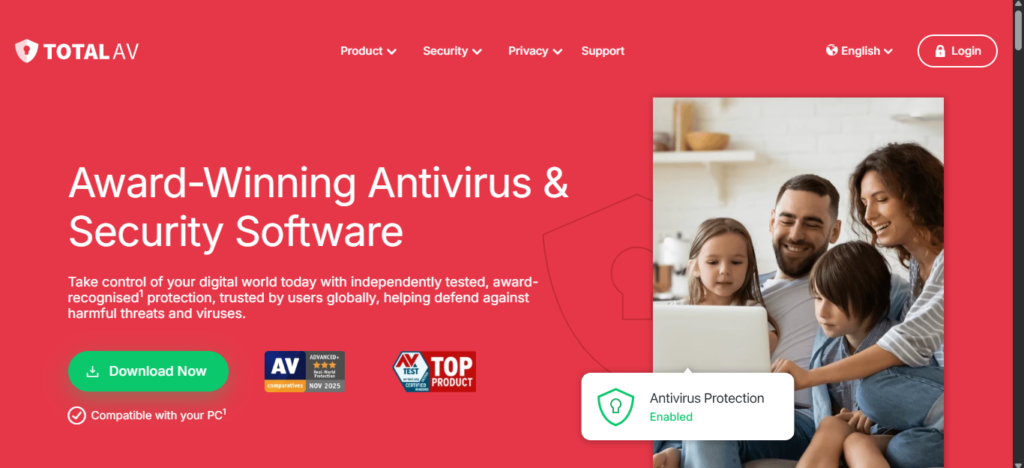
Usually, it costs $100 for a yearly subscription to TotalAV Antivirus Pro. But right now, you can purchase the service for $30 in just the first year. Upon subscribing, you’ll receive an in-depth software package capable of protecting up to five other devices at the same time.
They’ll be protected against malware, phishing attempts, and ransomware. Notable features include a built-in VPN, ad blocker, plus a system tune-up tool that can speed up computers by clearing out junk files.
Key Features:
- Real-time protection
- VPN and ad blocker
- System tune-up tools
- Beginner-friendly interface
- Phishing scam protection
- Disk cleaner etc.
Who can use TotalAV?: I recommend TotalTV to anyone who wants an affordable antivirus program to protect their computer and smartphone. It’s ideal for users or families on a budget who want the nice extra it provides, like the aforementioned VPN. Tech novices will appreciate the clear user interface.
McAfee Total Protection
McAfee adds advanced features like AI-driven threat detection and identity theft coverage. The security platform is famous for its powerful protection and infamous for how often it is preinstalled in new laptops. There are two main versions of McAfee Total Protection: McAfee LiveSafe and McAfee+. The former is antivirus software, while the latter offers so much more.
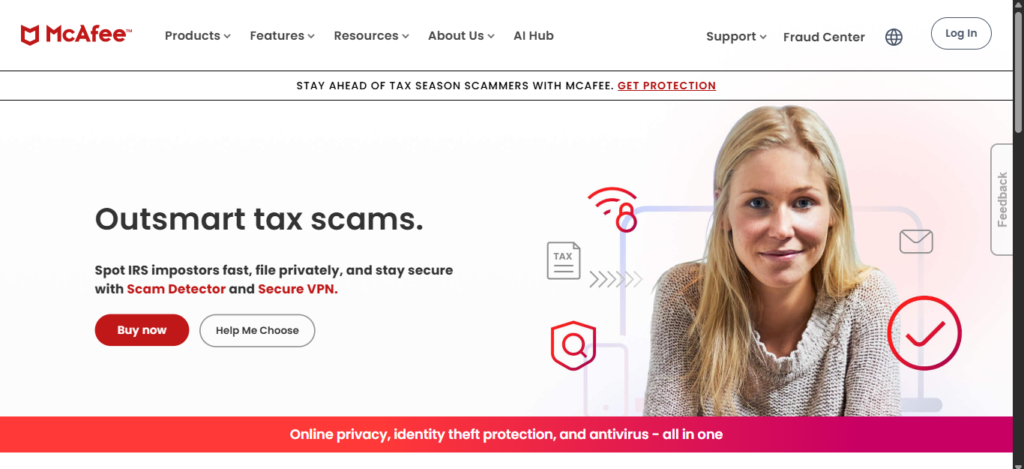
McAfee+ comes with a VPN, personal data cleanup to remove sensitive information from the internet, a password manager, and identify theft coverage up to $1 million. That’s just the tip of the iceberg. In 2024, McAfee introduced a new feature to combat threats from generative AI.
Key Features:
- Deepfake Detector
- Password manager
- Identity theft protection
- Covers multiple devices
- Phishing protection
- password generator etc.
Who can use McAfee?: McAfee Total Protection is one of the best antivirus programs out there, and I would highly suggest it to professionals managing sensitive data across several devices. In addition to Windows machines, it provides protection to devices running iOS, macOS, Android, and ChromeOS. Families and users worried about emerging AI threats or identity theft will appreciate everything it offers.
Avast One
Avast One is designed for performance, especially for gamers who don’t want interruptions. Avast One is perfect for people like me because of its Do Not Disturb mode, which stops all notifications from hitting your screen. This includes messages from Windows, other apps, and even the software itself. What’s particularly neat is that the feature is included in the free version of Avast One. Text in the app points out how it can “eliminate distractions”, allowing users to experience “uninterrupted gaming sessions [and] movie marathons”.
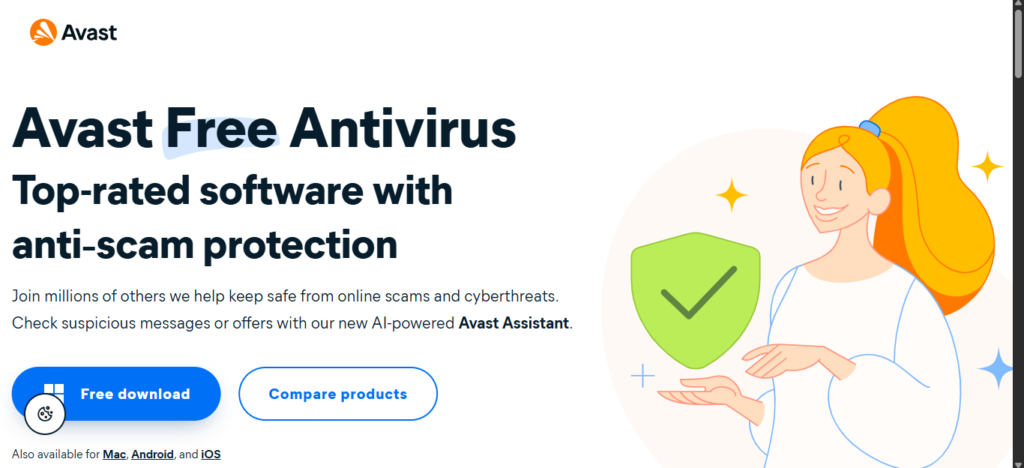
Naturally, there is more to Avast One than just its one feature. The software can cover up to six different family members in a household with 30 devices between them. Avast One also monitors your social media profiles, looking for any potential signs of account hacking. And the company offers up to $2 million in coverage in the event of an identity theft. That’s twice as much as what McAfee offers.
Key Features:
- Do Not Disturb mode
- Malware and ransomware protection
- Identity theft coverage
- Free version available
Who can use Avast One?: Avast One is perfect for anyone who wants zero interruptions while playing games, watching movies, or working. Families also benefit from the software’s multi-device, multi-user coverage. It alone can provide up to 30 devices at the same time. If that’s not enough, it’s pretty cheap too. You can get the Silver subscription for as low as $3 a month.
Windows Security
Windows Security comes built into Windows 11, offering solid protection without extra cost. It’s perfectly capable of protecting users from online threats. Windows Security provides real-time protection against malware and device monitoring. It comes with its very own firewall courtesy of Windows Defender, making Windows Security one of the few free options to have a firewall.
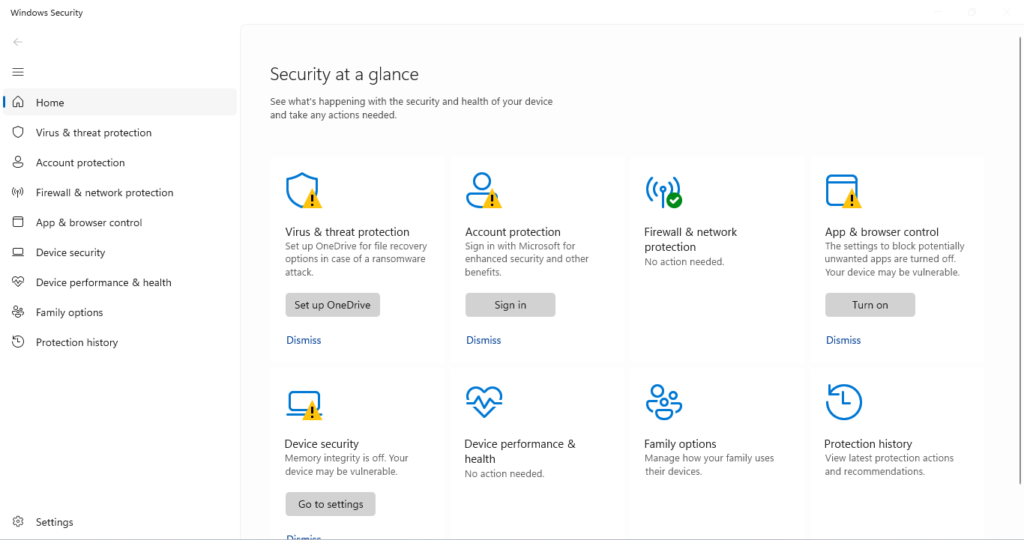
Most companies lock this feature behind a subscription cost. I should mention that some of the tools can only be used with Microsoft Edge. One of these is Isolated Browsing, which opens an “isolated browsing environment” on the browser to actively protect people from online threats.
Key Features:
- Real-time protection
- Built-in firewall
- Isolated browsing with Microsoft Edge
- Lightweight and fast
- SmartScreen & Parental Control
Who can use Windows Security?: Windows Security is a perfectly fine antivirus program for people who want basic online protection and don’t want to pay for a subscription or install extra apps. It is an integral part of Windows 11, so it is easy on resources. Certain aspects, such as its antivirus feature, utilize Microsoft’s cloud computing tech to provide constant safety.
uBlock Origin
uBlock Origin is a browser extension that blocks harmful ads and trackers. After all, it’s not an antivirus program; it’s an ad blocker. However, I would argue that this browser extension is so good at its job that it should be recognized as an antivirus tool.
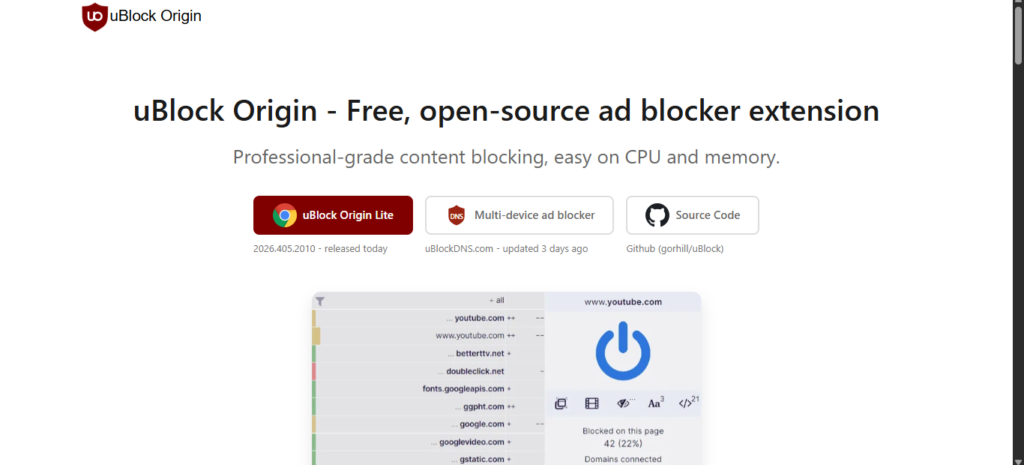
Much of uBlock Origin’s effectiveness is tied to its filters. These features actively prevent malware, advertisements, spyware, and other threats from targeting users. The lists it utilizes can be found on the official GitHub page.
Key Features:
- Blocks ads and trackers
- Lightweight and customizable
- Frequent updates
- Private search & Data Backups
- Works only in browsers
Who can use uBlock?: uBlock Origin is a good choice for people who want lightweight, browser-level protection. The extension actively stops malware-infested ads, sketchy redirects, and tracking scripts. Tech-savvy users will appreciate the light customization options. You can add extra filters to uBlock Origin, enabling it to block even more online threats, or you could lessen the restrictions to allow certain elements to pass through.
Brave Browser
Brave is a secure browser that automatically blocks trackers and phishing attempts. As Security experts explain, “Brave is the most secure Chromium-based browser on the market,” outside of maybe Tor. It automatically stops “cross-site cookie tracking, bounce tracking, fingerprinting, phishing, and malware attacks”.
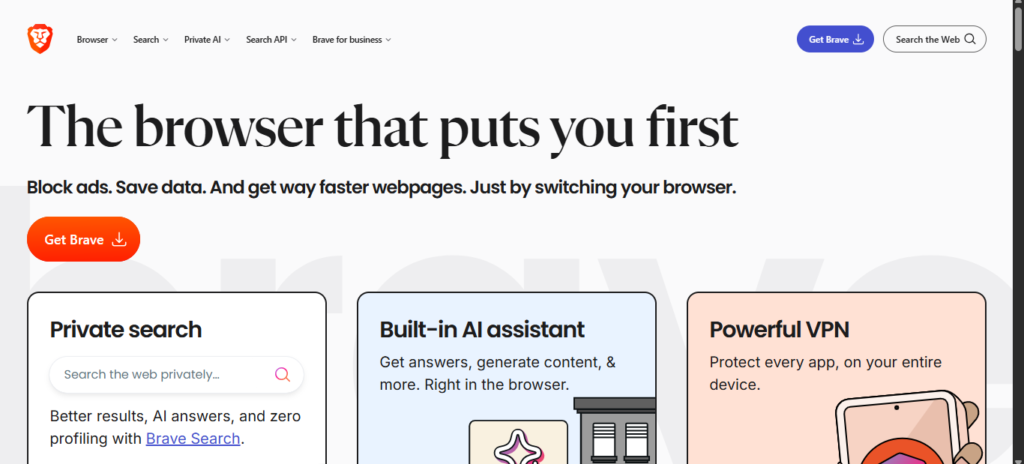
What’s great is Brave’s security features are totally transparent. Click the Shield icon in the upper corner and you will see everything that the browser blocks. If that wasn’t enough, the software has its own search engine, aptly called Brave Search “that defaults to private searches.” It stops all ads in their tracks, letting you browser the internet in peace.
Key Features:
- Built-in ad and tracker blocking
- Private search engine
- Reading mode for faster browsing
- Limited customization compared to other browsers
Who can use Brave?: I recommend Brave to anyone looking for a secure browser that will protect them from all the dangers lurking on the internet. There are other notable features that I neglected to mention. The browser has Speed Reading Mode. Activating this moves everything on a web page, leaving only the text. Wallen even states that the browser is notably faster than others.
Other Options
- ESET NOD32: Lightweight antivirus that doesn’t slow down your PC.
- Bitdefender Total Security: Strong multi-device protection with anti-tracking and phishing detection.
Comparison Table
| Software | Best For | Free Version | Extra Features |
|---|---|---|---|
| Malwarebytes | Everyday protection | Yes | Browser Guard, Trusted Advisor |
| Norton 360 Deluxe | Full coverage | No | VPN, Cloud Backup, Parental Controls |
| TotalAV | Budget users | Limited | VPN, Ad Blocker, Tune-up Tools |
| McAfee Total Protection | Advanced security | No | Deepfake Detector, Identity Theft Coverage |
| Avast One | Gamers | Yes | Do Not Disturb Mode |
| Windows Security | Free users | Yes | Firewall, Isolated Browsing |
| uBlock Origin | Browser safety | Yes | Ad & Tracker Blocking |
| Brave Browser | Secure browsing | Yes | Private Search, Reading Mode |
| ESET NOD32 | Lightweight option | No | Minimal extras |
| Bitdefender | Multi-device protection | No | Anti-tracking, Phishing Detection |
Conclusion
Choosing the right antivirus depends on your needs, budget, and how you use your devices. Some options stand out for their balance of features, while others shine in specific areas like gaming or browser safety.
Here are the top picks:
- Best Overall: Malwarebytes
- Most Complete: Norton 360 Deluxe
- Budget-Friendly: TotalAV
- Advanced Security: McAfee Total Protection
- Best for Gamers: Avast One
- Best Free Option: Windows Security
- Extra Browser Safety: uBlock Origin & Brave
No matter which solution you go with, the most important step is keeping your antivirus updated. Regular updates ensure you’re protected against the latest threats and give you peace of mind while browsing, working, or gaming online.