Editing videos on your phone has never been easier. With so many free apps available, you can create professional-looking content without needing a computer or expensive software. Whether you’re a beginner making fun clips for friends or a creator building a brand online, the right app can help you tell your story better.
Below we’ve created a list of top free video editing apps for Android you should keep on your radar in 2026. Learn more about their video editing capabilities, key features, pros, cons, etc.
Why you need a free video editing app?
The answer is simple: these apps make video creation easier, more affordable, and more fun. They give you the freedom to edit without needing expensive software or heavy equipment.
Here are some reasons why free video editing apps are worth using:
- Convenience: You can edit videos anytime and anywhere, directly on your phone. Whether you are traveling, at home, or on the go, your editing tools are always with you.
- Cost effective: Most of these apps provide powerful features without asking you to spend money. This means you can create professional-looking videos without worrying about extra costs.
- Social media ready: These apps make it easy to export your videos directly to platforms like Instagram, TikTok, and YouTube. You can share your content quickly and keep up with trends.
- Beginner friendly: The simple and easy-to-use interfaces make editing accessible to everyone. Even if you are new to video editing, you can learn quickly and start creating content right away.
In short, free video editing apps give you the tools to create, share, and enjoy videos without barriers. They are designed to fit into your daily life and help you express your creativity with ease.
1. Filmora
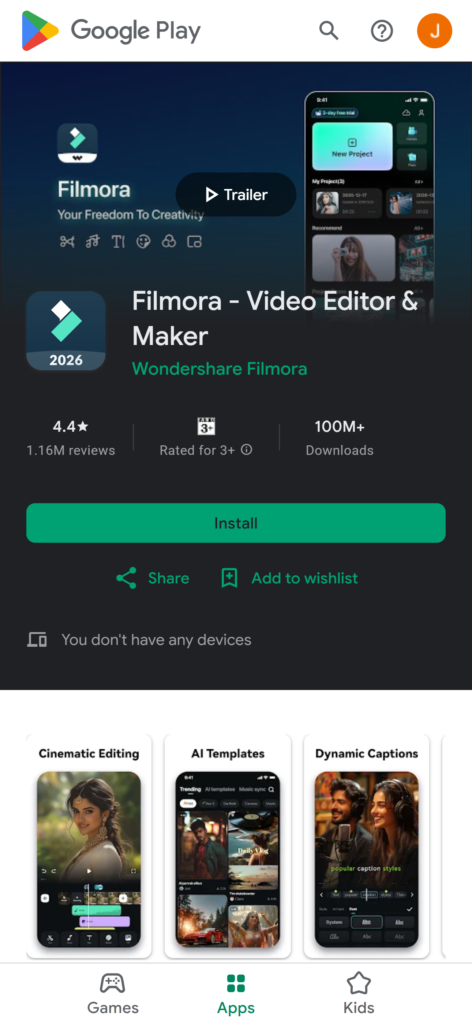
Filmora is a high-end, all-encompassing video editing app for Android that lets you capture, edit, and share top-quality video clips online to platforms like Instagram, YouTube, Facebook, TikTok, or WhatsApp.
With Filmora, you can tap into basic and advanced video editing features to trim or split your clips, adjust sequences, remove background noise, and experiment with various effects, filters, and stickers to enhance your video content and polish it to perfection.
Features:
- Trim, split, and merge clips easily.
- Add filters, transitions, and special effects.
- Noise removal for cleaner audio.
- Export videos in multiple frame rates.
| Pros: 👍 | Cons:👎 |
| 1. Beginner-friendly interface. 2. Advanced tools available for free. 3. Direct sharing to social media. | 1. Free version adds a watermark. 2. Limited export resolution in free mode. |
2. CapCut
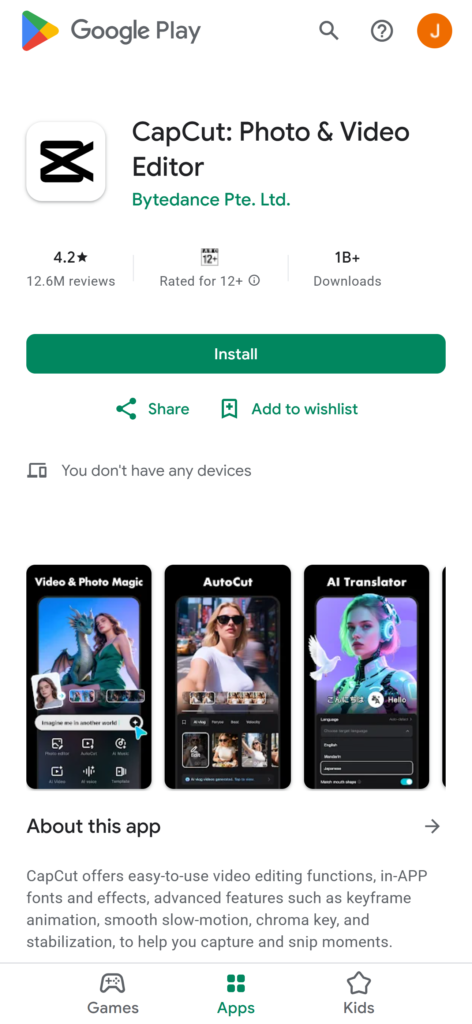
CapCut is one of the best free video editing apps for android for exporting TikTok videos without a watermark. The app packs various editing features and enhancements, including music, text overlay, colors, stickers, etc.
You can add auto-captions to your videos, remove the background, tap into a vast selection of transitions, audio tracks, and filters, add slow-motion effects, etc.
Features:
- Auto-caption generation.
- Background removal tool.
- Slow-motion and fast-motion effects.
- Watermark-free exports.
| Pros: 👍 | Cons:👎 |
| 1. Perfect for social media content. 2.Easy to use with drag-and-drop editing. 3. Free with no watermark. | 1. Editing is portrait-only. 2. Some advanced effects require upgrades. |
3. Promeo
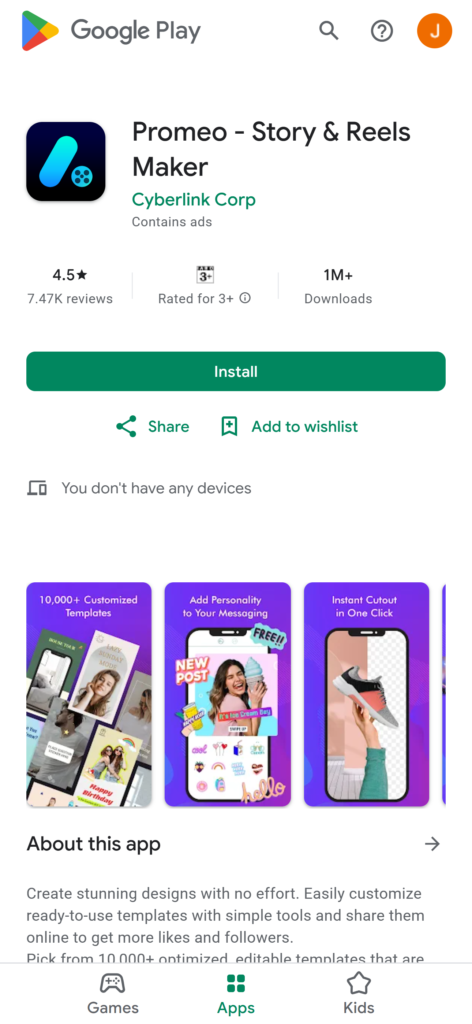
Promeo is an excellent free video editing app for customizing social media video clips with ready-to-use templates. The app gives you access to thousands of editable and optimized video templates for social media platforms like Facebook and Instagram.
In addition, you can tap into a vast library of premium stock media, video effects, fonts, and colors to make your creative video content ideas come to life.
Features:
- Over 10,000 customizable templates.
- Background removal tool.
- Access to royalty-free music.
| Pros: 👍 | Cons:👎 |
| 1. Saves time with quick edits. 2. Optimized for social media platforms. 3. Easy three-step editing process. | 1. Premium templates require payment. 2. Exporting can be slow. |
4. Splice
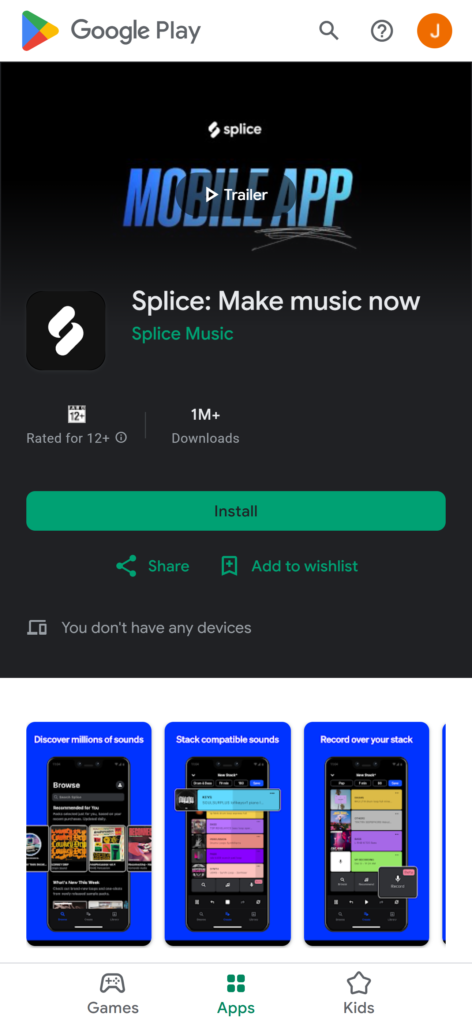
Splice is a free video editor for Android that brings you the power of high-end desktop editing to your mobile device. The app streamlines the video editing process by letting you transform slideshows into social media videos with adjustable playback speed, editable background music, and more.
It takes only a few taps on your phone to edit clips, trim unwanted parts, add music, change speed, apply video effects, and turn your video footage into professionally-looking video content for online platforms.
Features:
- Control playback speed.
- Add transitions and effects.
- Multitrack editing.
| Pros: 👍 | Cons:👎 |
| 1. Intuitive interface. 2. Desktop-like editing power. 3. Free with no watermark. | 1. Occasional crashes. 2. No support for 4K exports. |
5. Quik
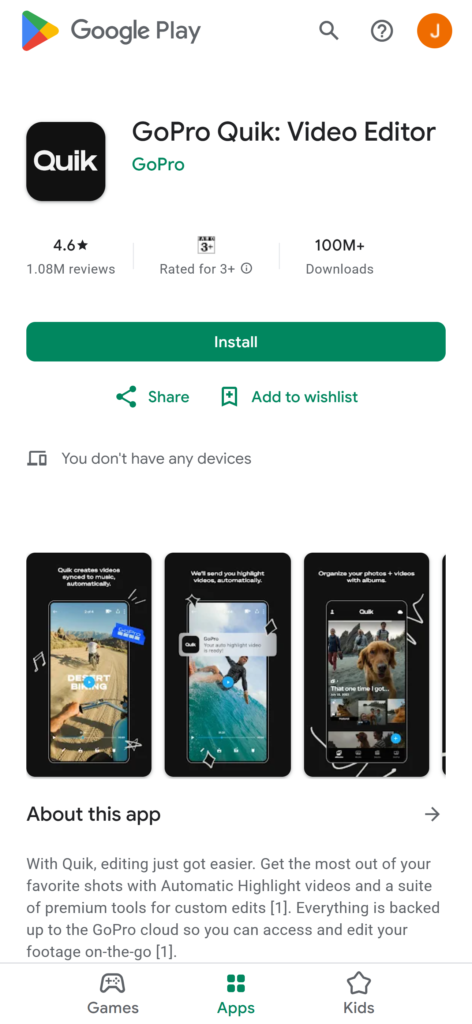
Quik is a free video editing app for Android that lets you export edited videos without a watermark. Developed by GoPro, the app is perfect for users new to video editing on a mobile device. Though the app offers basic video editing features, it uses an array of mobile editing presets, customizable templates, and effects to turn your phone clips into social-media-ready, professional video content.
Features:
- Preset templates for quick edits.
- Highlight reel creation.
- Cloud sync with GoPro.
| Pros: 👍 | Cons:👎 |
| 1. Supports 28 video formats. 2. Watermark-free exports. 3. Great for action footage. | 1. Glitches during saving. 2. Occasional black frame issues. |
6. KineMaster
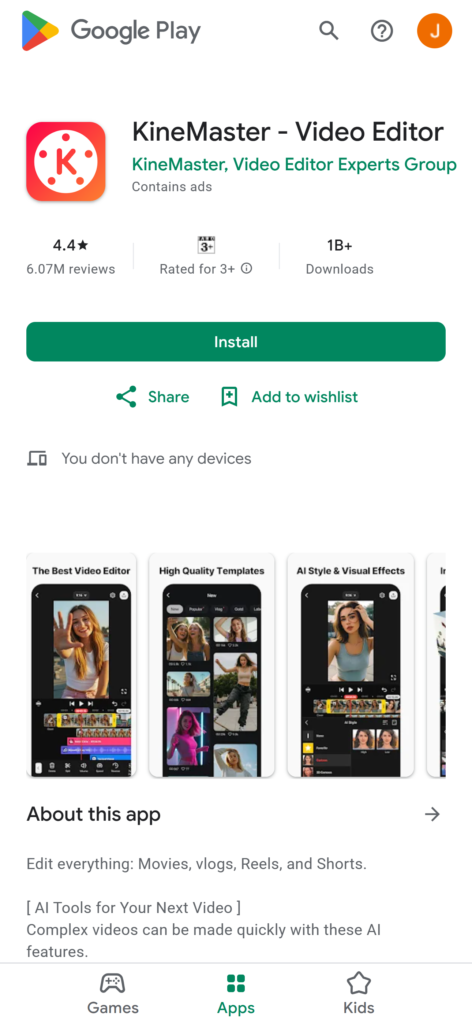
KineMaster is an ideal Android video editing app for creating vlogs, animations, slide shows, and music videos. The app offers an all-encompassing mobile platform with basic and advanced video editing tools.
You can tap into top-grade video templates, audio/video effects, stickers, royalty-free music clips, and everything else you need to create professional and optimized video content for platforms like TikTok, Facebook, WhatsApp, YouTube Shorts, etc.
Features:
- Chroma key (green screen).
- Keyframe animation.
- Layered editing with multiple tracks.
| Pros: 👍 | Cons:👎 |
| 1. Professional-grade tools. 2. Social media integration. 3. Supports 4K exports. | 1. Free version adds watermark. 2. Premium features locked behind subscription. |
7. InShot
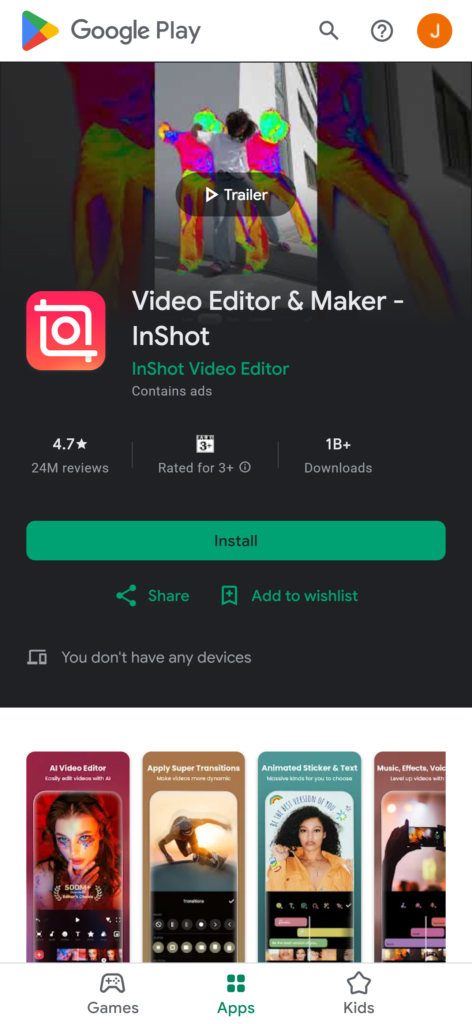
InShot has powerful editing capabilities in a user-friendly video editing app for Android with intuitive navigation and transparent features. Aside from applying transition effects, adding music, cutting, and trimming, you can use InShot to overlay text and emojis on your video clips. The app also offers additional functionality like video compression and background blurring.
Features:
- Text overlays and emojis.
- Background blur.
- Video compression without losing quality.
| Pros: 👍 | Cons:👎 |
| 1. All-in-one editor. 2. AI-powered tools. 3. Supports 4K exports. | 1. Occasional glitches. 2. 4K export may crash on older phones. |
8. Mojo
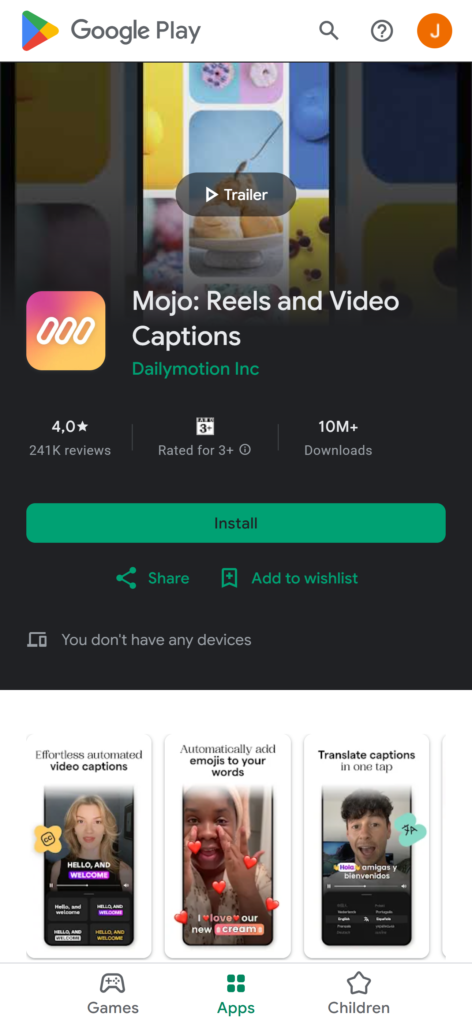
Mojo is the best free video editing app for Android for influencers, streamers, and social media content creators. The free app gives you access to dozens of pre-made video templates for social media platforms, including top editing features like animated GIFs, various text styles, special effects, fonts, audio clips, and more.
Features:
- Animated text styles.
- GIF support.
- Customizable templates.
| Pros: 👍 | Cons:👎 |
| 1. Free to use. 2. New templates added monthly. 3. Great for Instagram stories. | 1. Learning curve for beginners. 2. Interface can feel cluttered. |
9. Funimate
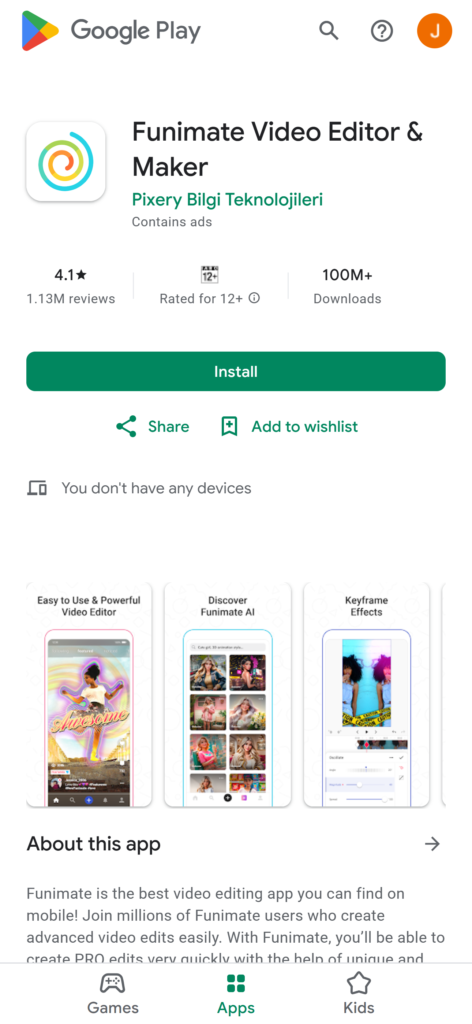
Funimate is a free video editor for Android that resembles a social media app like TikTok. The app lets you create and edit videos using many filters, effects, audio clips, and more. With Funimate, you can turn your regular Android video footage into shareable, viral videos for online distribution.
Features:
- Filters and transitions.
- Keyframe animations.
- Trending hashtags for community sharing.
| Pros: 👍 | Cons:👎 |
| 1. Easy to use. 2. Strong creative community. 3. Lots of fun effects. | 1. Ads can be annoying. 2. Occasional lagging. |
10. Videoshow
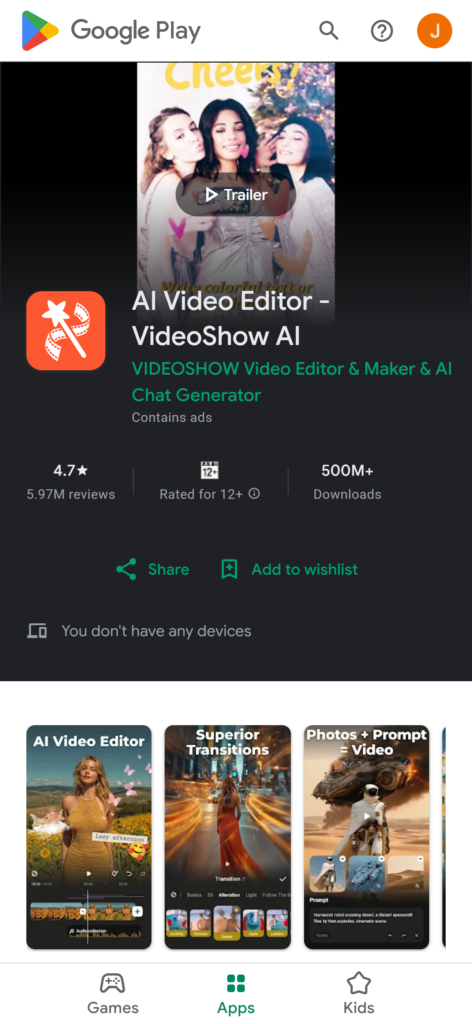
Videoshow is the best free video editor for adding top effects, music, and photos to your Android videos. The app offers tons of effects and editing tools to help social media users and video streamers create top-grade content for online and offline distribution.
Aside from advanced video editing capabilities, Videoshow can compress your videos without quality loss to help you reduce the load on your Android storage.
Features:
- Multi-music track support.
- GIF creation.
- MP3 conversion.
| Pros: 👍 | Cons:👎 |
| 1. HD export without quality loss. 2. Wide range of effects. 3. Free with no watermark. | 1. Heavy on system resources. 2. Zoom glitches. |
Quick Comparison Table
Below is the quick comparison table between all the apps included in this article. You can read full details of each app below.
| App Name | Best For | Rating (Google Play) | Watermark-Free? | Export Quality |
|---|---|---|---|---|
| Filmora | YouTube & professional videos | 4.5 | ❌ (free version) | Up to 1080p |
| CapCut | TikTok & social media | 4.4 | ✅ | Up to 1080p |
| Promeo | Social media templates | 4.7 | ❌ | Up to 1080p |
| Splice | Quick trimming & cropping | 4.8 | ✅ | Up to 1080p |
| Quik | GoPro users & montages | 4.4 | ✅ | Up to 1080p |
| KineMaster | Vlogs & advanced edits | 4.2 | ❌ | Up to 4K |
| InShot | Influencer content | 4.9 | ❌ | Up to 4K |
| Mojo | Animated reels & stories | 4.5 | ❌ | Up to 1080p |
| Funimate | Music videos & effects | 4.4 | ❌ | Up to 1080p |
| Videoshow | Vlogs & creative edits | 4.6 | ✅ | Up to HD |
Final Thoughts
Choosing the right video editing app really depends on what you want to achieve. Each app has its own strengths, and picking the right one can make your editing process smoother and more enjoyable.
Here are some good options to consider:
- Filmora – Best for creating polished YouTube videos with professional features.
- CapCut – Perfect for short, trendy clips on TikTok and Instagram reels.
- Promeo – Great if you want quick edits using ready-made templates.
- InShot – Popular among influencers and vloggers for simple but stylish edits.
With these apps, your Android phone can become a mini editing studio. You don’t need heavy equipment or complicated software to make your content look professional. Whether you are sharing on social media, building a channel, or just making fun clips, these tools can help you create videos that stand out. Android phone into a mini editing studio and create content that looks polished and professional.