When it comes to video editing in 2026, there’s no shortage of tools to fit different needs. Beginners who just want something simple and easy to use can rely on iMovie, which is perfect for Apple users and makes editing straightforward without overwhelming features. For social media creators who need quick edits, captions, and effects, VEED stands out as a browser-based option that’s fast and user-friendly.
On the other hand, if you’re aiming for more professional or educational content, Camtasia is a strong choice because it’s designed for creating tutorials and presentations with screen recording built in. Meanwhile, Riverside is ideal for podcasters and interview-style creators, offering high-quality video and audio recording directly from the web. Together, these four apps cover a wide range of editing needs—from casual projects to polished productions—making them the top picks worth exploring this year.
Why you need Video Editing
Video is everywhere. Whether it is a short TikTok clip, a YouTube tutorial, a corporate training session, or a feature film, video has become the most powerful way to communicate. Editing is the invisible art that transforms raw footage into a polished story. Without editing, even the most creative idea can look unfinished.
- For businesses, video drives engagement and sales.
- For educators, it makes learning interactive and accessible.
- For creators, it is the difference between being ignored and going viral.
The global video editing software market is booming and is expected to reach nearly 4 billion dollars by 2031. With so many tools available, choosing the right one can feel overwhelming. That is why we have broken down the options into four standout apps: iMovie, VEED, Camtasia, and Riverside.com.
What to Look for in Video Editing Software
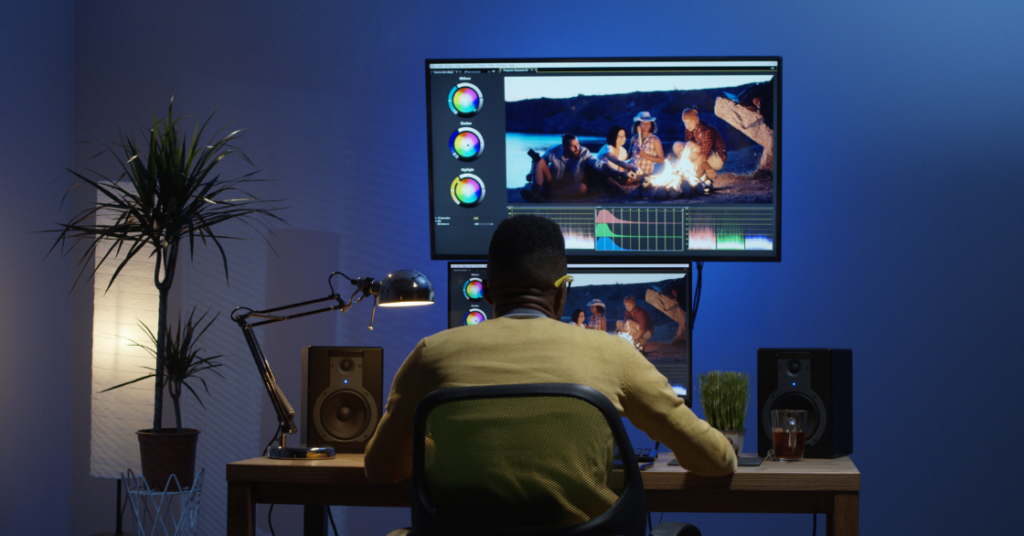
Before you start exploring different video editing apps, it helps to keep a few essentials in mind. These factors will guide you toward the right choice and save you time later. Think about how easy the software is to learn, what features it offers, how well it performs, whether it works across your devices, and of course, how much it costs. Each of these points can make a big difference depending on whether you’re a beginner, a casual creator, or someone working on professional projects.
Here’s a simple breakdown of the essentials:
- Ease of Use – Is the software beginner-friendly? Can someone new to editing pick it up quickly without confusion?
- Features – Look for tools like subtitles, transitions, effects, and audio editing options that help make your videos more engaging.
- Performance – Smooth playback and fast rendering are key. Apps that use GPU acceleration can save you a lot of time.
- Compatibility – Make sure the app works across your devices and supports the video formats you plan to use.
- Budget – Decide whether you prefer free tools, subscription-based plans, or one-time purchases depending on your needs and budget.
The 4 Best Video Editing Apps
1. iMovie – Best for Apple Users
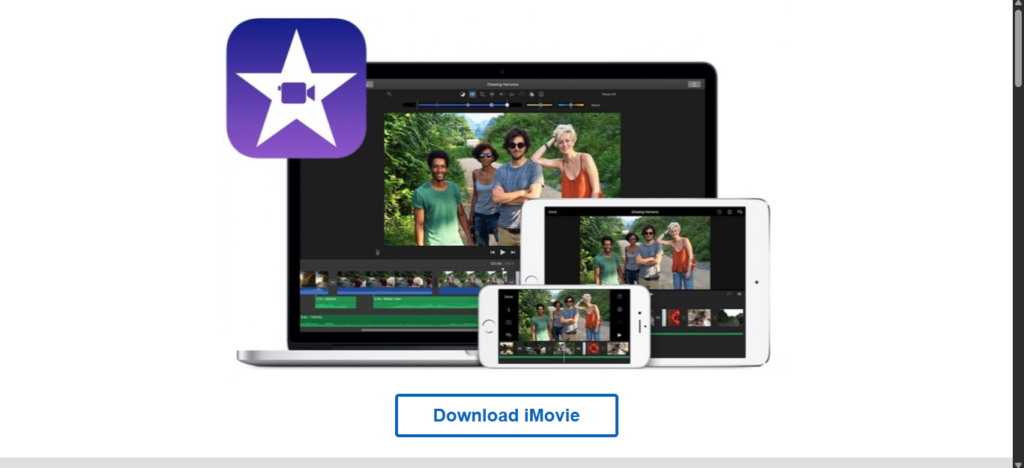
- Price: Free (Mac & iOS)
- Strengths: Drag‑and‑drop simplicity, 4K support, green‑screen editing, seamless Apple ecosystem integration.
- Limitations: Too basic for professionals, limited export formats.
Why choose iMovie?
iMovie is made for beginners and casual creators who just want their videos to look good without a steep learning curve. The app is completely free, and because it’s designed by Apple, it works smoothly on iPhones, iPads, and Macs. That means you can shoot a video on your phone and start editing right away without worrying about complicated setups.
2. VEED – Best for Social Media Creators
- Price: $12/month
- Strengths: Automatic subtitles, online collaboration, screen recording, audio cleaner.
- Limitations: Slower with large files, limited advanced features.
Why choose VEED?
Social media is all about being quick and easy to access, and that’s exactly what VEED is designed for. If you’re making TikToks, Instagram reels, or YouTube shorts, you don’t want to spend hours editing—you need something that lets you add captions, effects, and filters in just a few minutes. VEED makes this process simple by working directly in your browser, so you don’t have to download heavy software or deal with complicated setups.
This tool is especially useful for influencers and content creators who post regularly and need to keep up with trends. With VEED, you can create professional-looking videos fast, even if you’re not a tech expert. It’s built to help you focus on your creativity instead of getting stuck on technical details. For anyone who wants to grow their online presence and keep their audience engaged, VEED is a reliable choice that balances speed with style.
3. Camtasia – Best for Tutorials & Screen Recording
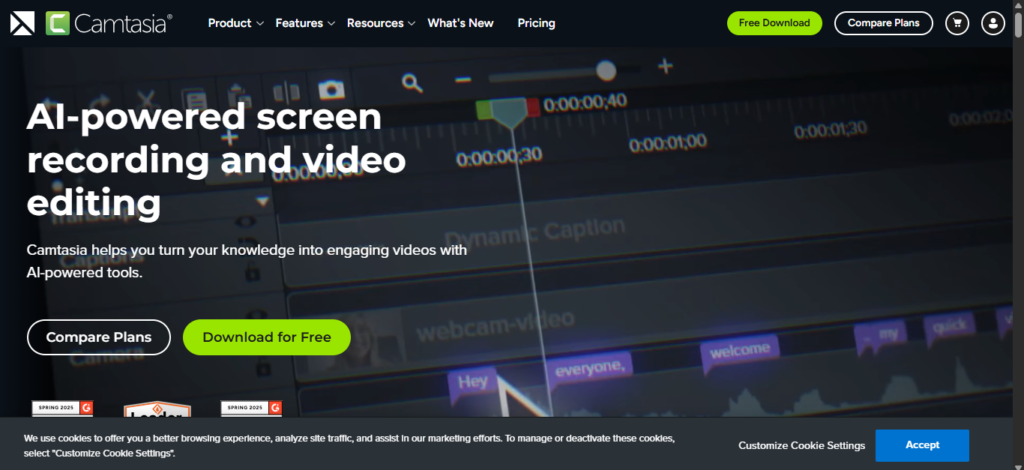
- Price: $179.88/year
- Strengths: Screen capture, cursor effects, interactive quizzes, asset library.
- Limitations: Basic audio editing, resource‑heavy, occasional crashes.
Why choose Camtasia?
Camtasia is popular among teachers, trainers, and businesses because it goes beyond basic video editing. It’s not just about cutting clips or adding transitions—it’s built to help people teach and explain things clearly. With Camtasia, you can record your computer screen, which is perfect for showing step‑by‑step instructions or walking through software. On top of that, you can add quizzes and interactive elements, making your videos more engaging and useful for learners.
This makes Camtasia a great fit for e‑learning and corporate training, where clear communication is key. Educators can create lessons that feel professional, while companies can train employees with tutorials that are easy to follow. Instead of just being an editor, Camtasia acts like a complete teaching toolkit, helping you turn ideas into lessons that people can actually learn from.
4. Riverside.com – Best for Podcasts & Remote Interviews
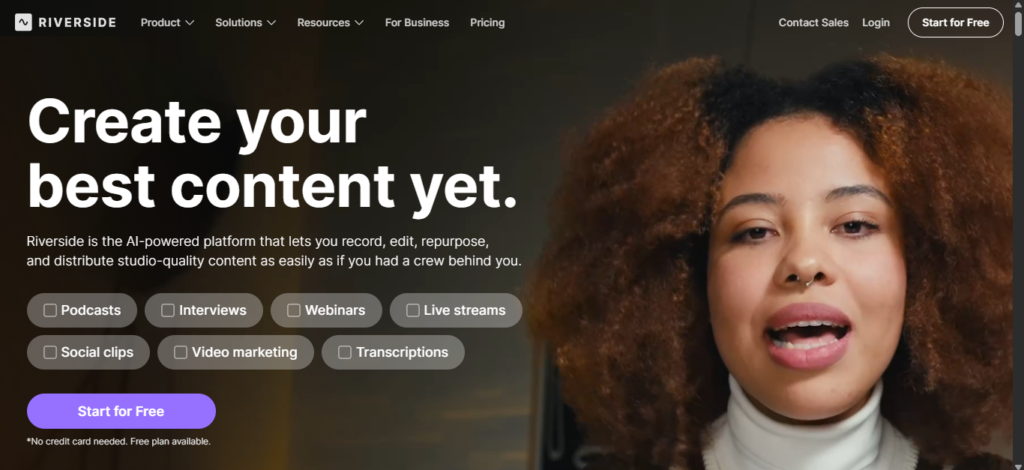
- Price: $15/month
- Strengths: Local 4K recording, text‑based editing, AI speaker view, Magic Editor.
- Limitations: Limited browser support (Chrome/Edge only), occasional sync issues.
Why choose Riverside.com?
Riverside.com is a favorite among podcasters and interviewers because it delivers reliability where it matters most. Unlike many platforms that depend heavily on internet speed, Riverside records locally on your device. This means even if your connection lags or drops, your audio and video still come out in crisp, studio‑quality. That’s a huge advantage for anyone who wants professional results without worrying about technical hiccups during a live conversation.
On top of that, Riverside includes smart AI tools that make editing much easier. You can clean up conversations, remove filler words, and polish your recordings with just a few clicks. This makes it perfect for remote interviews, podcasts, or any project where clear dialogue is the focus. For creators who value both quality and convenience, Riverside is a dependable choice that takes the stress out of production.
Comparison Table
Below is the comparison table between each software we have mentioned above. You can see where best for, price, key features, and limitations.
| Software | Best For | Price | Key Features | Limitations |
|---|---|---|---|---|
| iMovie | Apple beginners | Free | Drag‑and‑drop, 4K, green‑screen | Too basic for pros |
| VEED | Social media creators | $12/month | Auto‑subtitles, online collaboration | Slower with large files |
| Camtasia | Tutorials & screen capture | $179.88/year | Screen recording, quizzes, templates | Limited audio tools |
| Riverside.com | Podcasts & interviews | $15/month | Local 4K, text‑based editing, AI view | Browser restrictions |
iMovie is a free, beginner‑friendly Apple editor; VEED suits social media creators with subtitles and collaboration at $12/month; Camtasia excels in tutorials and screen capture for $179.88/year; and Riverside.com, at $15/month, is built for podcasts and interviews with local 4K and AI editing.
Editor Features That Matter Most
Editing tools today cover the basics and go beyond. Each of the four apps you mentioned has strengths, but they also differ in how much polish and flexibility they offer. Let’s break it down:
Editing Tools
- Cutting & Trimming: All four apps—iMovie, VEED, Camtasia, and Riverside—handle the essentials well. You can easily shorten clips, remove mistakes, and keep only the best parts.
- Transitions & Effects:
- iMovie: Keeps things simple with clean, basic transitions.
- VEED: Adds more creative flair, perfect for social media videos.
- Camtasia: Focuses on clarity, making tutorials easy to follow.
- Riverside: Minimal, since it’s built more for recording than flashy edits.
Audio Control
Sound quality can make or break a video, and here’s how each tool handles it:
- VEED: Stands out with its audio cleaner, removing background noise quickly.
- Riverside: Ensures studio‑quality sound, especially for podcasts and interviews.
- Camtasia: Offers functional audio tools, but they’re more basic compared to the others.
Collaboration
Working with others is becoming more important, and the apps differ here too:
- VEED: Lets teams edit online together, making it great for social content creators.
- Riverside: Supports remote interviews, perfect for podcasters working with guests worldwide.
- iMovie & Camtasia: More suited for solo projects, with limited collaboration features.
Which App Should You Choose?
- Beginner on Mac/iOS? → iMovie
- Social media content creator? → VEED
- Educator or trainer? → Camtasia
- Podcaster or interviewer? → Riverside.com
The Future of Video Editing
Artificial intelligence is changing the way we edit videos. What used to take hours of manual work can now be done in minutes with smart tools. This shift is making video editing faster, easier, and more creative for everyone—from casual creators to professional teams.
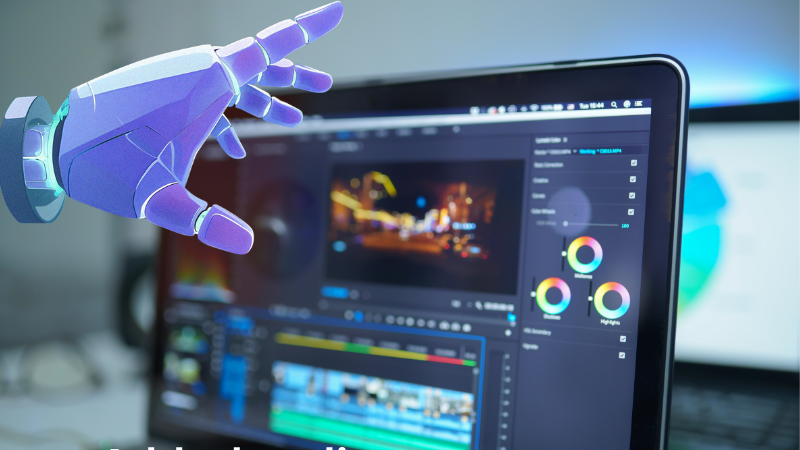
Here are some of the biggest changes you can expect:
- Automated subtitles and translations AI can instantly generate captions in multiple languages. This makes your videos more accessible and helps you reach a global audience without extra effort.
- Smart editing suggestions Instead of manually cutting and rearranging clips, AI can suggest the best edits, highlight key moments, and even recommend transitions or effects that fit your style.
- Voice cloning and audio enhancement AI can clean up background noise, adjust sound levels, and even replicate voices for narration. This means clearer audio and more flexibility in how you present your content.
- Cloud‑based collaboration
These four apps already integrate AI features, making editing faster and more accessible.
Conclusion
Video editing software is no longer something only professionals use—it has become a must-have tool for everyone who creates content. From short TikTok clips to polished corporate training videos, from YouTube tutorials to podcasts, the right software can save you hours of effort and make your work look far more professional. Good editing tools don’t just cut and trim—they help you tell a story, add polish, and connect better with your audience.
Different creators have different needs, and that’s why there isn’t just one “best” option. Instead, several tools stand out depending on what you’re trying to achieve:
- iMovie: The best free choice for Apple users. Simple, clean, and perfect for beginners who want to edit without spending money.
- VEED: Quick and easy, designed with social media in mind. Great for creators who want to make short, engaging videos fast.
- Camtasia: Ideal for tutorials and training videos. It makes recording your screen and adding explanations effortless.
- Riverside.com: Built for podcasters. It focuses on high-quality audio and video recording, making remote interviews smooth and professional.
Together, these tools show how diverse the world of content creation has become. Whether you’re a student making a project, a business producing training material, or a creator building an online audience, there’s a tool that fits your style and goals. The key is to choose the one that matches your needs—because the right software doesn’t just edit your video, it elevates your message.