

You just got a new Android phone, and it works great, apps open quickly, everything feels smooth, and there’s no issues there. But over time, phones start to slow down. Apps lag, screens take longer to load, and animations get glitchy. Restarting your phone might help for a little while, but it’s not a long-term fix. In this article, we’ll share 10 easy tips to speed up your Android phone and get it running like new again.
How to speed up slow Android phone?
Here are the serval methods that will help you to speed up your Android phone efficiently. You can follow all the methods properly if you want your phone to speed up 200%. Lets go.
1: Delete all the unused apps
We all download applications without thinking about them, and we rarely delete those that we no longer use. But applications use up free memory, fragment memory, and hog the CPU cycles of the services that are running in the background. Search all your applications and remove those you don’t use regularly.
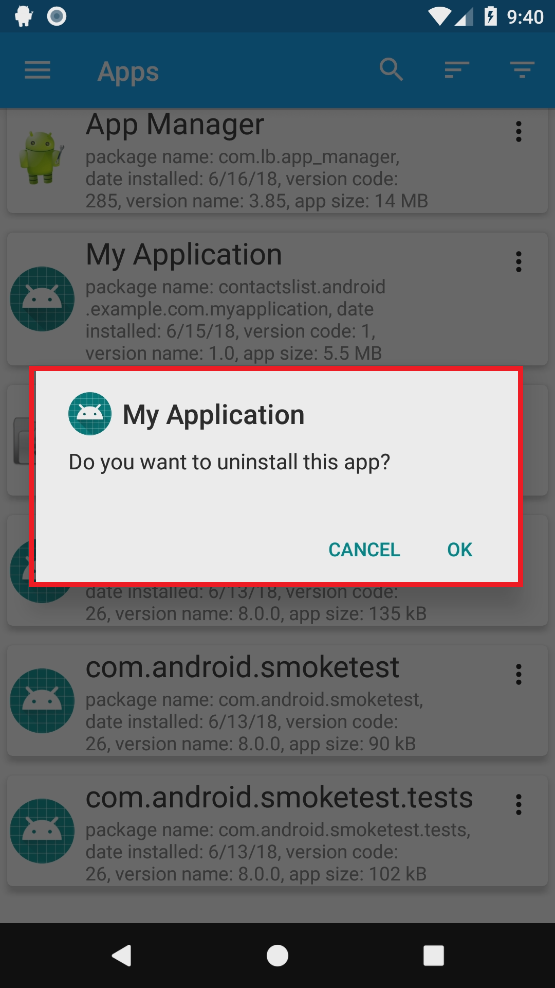
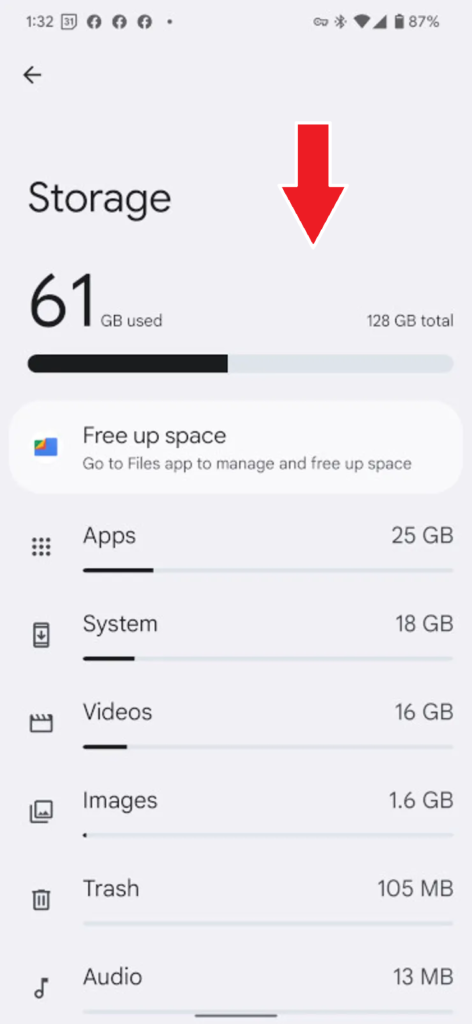
2: Clean up all your storage fully
You can check your storage to reveal many items you don’t need or use. This includes useless photos, files you downloaded, and various files created by other applications. If you want to free up space:
- Delete unnecessary photos from the “Gallery” app
- Clean out all the files from your downloads folder
- Clear the “Misc” or “Other folder in your storage page
If you have a storage problem, you can use Google Drive or OneDrive, which allow you to store all your files in the cloud and access them from any place on the globe.
3: Remove all cached datas
Caching data is usually a good thing because it helps you access information faster, without waiting for it to load every time. However, storing too much cached data can slow down your phone and make it less reliable. By clearing the cache from time to time, you can keep your phone running smoothly and improve its performance.
4: Check your SD card
If your Android phone has an SD card slot, it’s important to keep the card running smoothly so it doesn’t slow down your phone. Start by turning off your phone and removing the SD card. Back up all the files to your computer first, if you skip this step you could lose everything. Once everything is safely backed up, put the card back in your phone, go to the memory settings, and format it. This will erase all the files on the card, but don’t worry—you already saved them. After formatting, return the card to your computer and copy back all the files you need, including any apps you had stored on the card. It takes a bit of time, but doing this can make a noticeable difference in your phone’s performance.
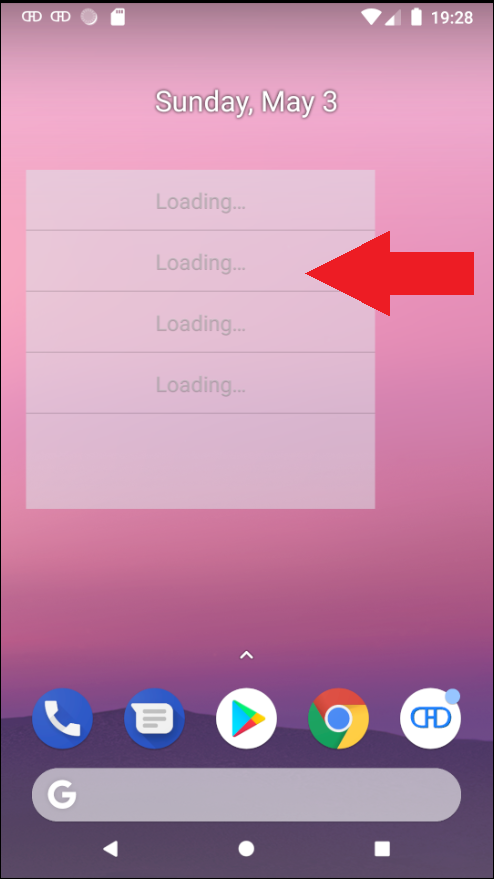
5: Remove unnecessary widgets
Widgets on your phone are great because they give you quick access to useful information. However, they can use a lot of your phone’s resources, taking up CPU power and constantly updating in the background. To keep your phone running smoothly, remove any widgets that you don’t use regularly.
6: Stop using live wallpapers
If you use live wallpapers on your phone, they can take up a lot of your phone’s resources. They drain your battery and can slow down your phone’s performance. To help your phone run faster and save battery life, it’s better to use a regular static wallpaper instead.
7: Disable apps with background processes
Running apps in the background can be very convenient, but they also use more of your phone’s CPU and memory. To keep your phone running smoothly, check which apps are running in the background and either close them or uninstall the ones you don’t use often.
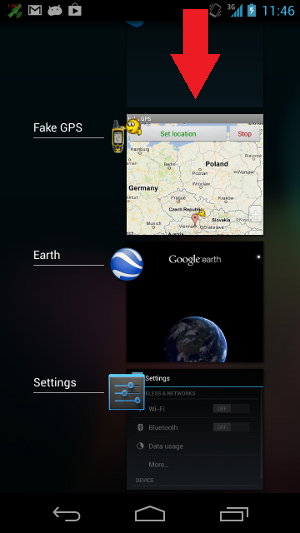
8: Close all apps you’re not using
Running multiple apps at the same time makes it easy to switch between them, but it also uses a lot of your phone’s memory and can slow it down. To improve performance, open the apps list by holding down your home button, and then swipe away any apps you aren’t using right now.
9: Turn off location services
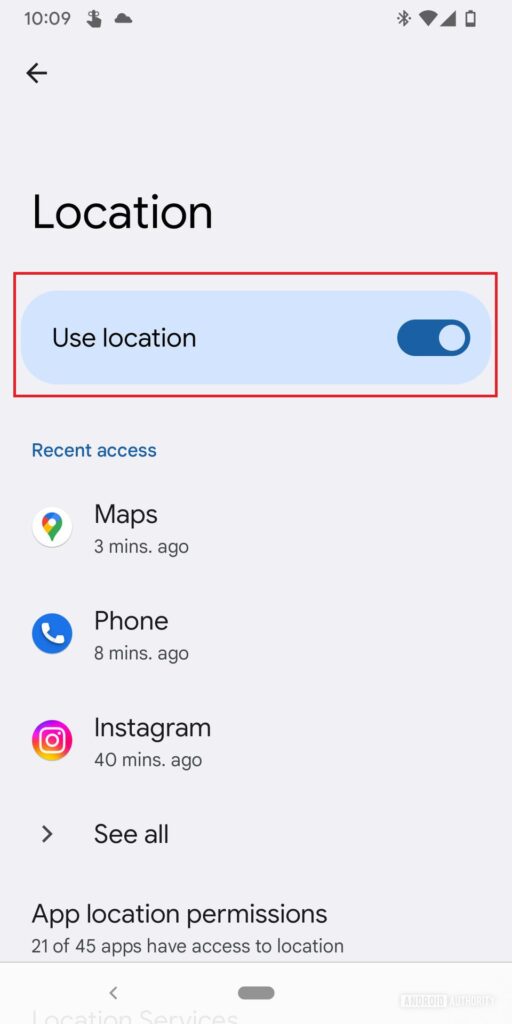
Location services are very useful if you use apps like Google Maps or other apps that need your location. However, keeping location services on all the time can slow down your phone’s CPU. If you don’t need them, it’s a good idea to turn them off completely to improve your phone’s performance.
10: Factory reset your phone
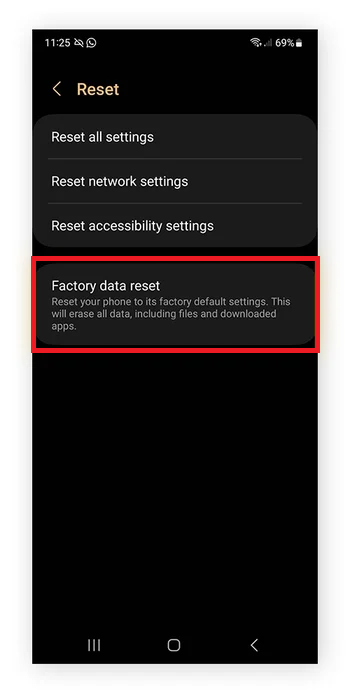
The final method is to completely reset your Android phone using the factory reset option. This will erase everything and restore your phone to its original state. All your apps, files, and data will be removed, so make sure to back up anything important before you start. Doing a factory reset can make your phone run much faster and improve overall performance.
Conclusion
In conclusion there are many ways to restore your phone’s speed and performance if you are frustrated with your Android phone slow performance. By using the methods above such as removing unused applications, clearing cache and disabling unnecessary background processes you can improve the performance of your phone. Cleaning the memory properly, check the SD card and right management of widgets will also help to avoid possible slowdowns and ensure that your Android phone runs more smoothly and faster for longer time.
However if all methods don’t work the final solution is to perform a factory reset, which will restore your phone to its original state. Before that you have to backup your data first. The main secret to make your Android device running fast is consistent maintenance regularly. You can do manage memory, close unused apps and keeping the system clean for future slowdowns. By applying this methods you will enjoy much more responsive and smooth Android experience than when you are before.