Let’s be real for a second—the way we write code has changed more in the last two years than it did in the previous ten. I remember when we used to spend hours scrolling through Stack Overflow for the right regex or banging our heads against the wall trying to figure out why a CSS grid wasn’t aligning. Those days are basically ancient history.
Now, the question isn’t “Should I use AI?” but rather “Which AI is sitting in my editor?” In 2026, we’ve moved past the novelty of simple “ghostwriting” and entered the era of AI Software Engineers. These aren’t just tools that finish your sentences; they are partners that understand your architecture, write your tests, and sometimes even catch the bugs you were about to commit at 4:59 PM on a Friday.
What is the best AI for coding?
Modern AI coding platforms combine three essential components:
- Professional IDE capabilities: A full-featured development environment with debugging, version control, and standard coding tools.
- AI interaction interface: Contextual AI assistance via chat, commands, or intelligent agents.
- Advanced LLM integration: Powerful language models that understand both code and natural language.
But with so many options popping up every week, it’s getting hard to tell which ones are actual productivity boosters and which are just fancy, over-hyped autocomplete plugins. I’ve spent the last few months digging deep into the current landscape, and if your looking to upgrade your workflow, here are the 5 tools that are actually delivering on the hype.
1. Qodo
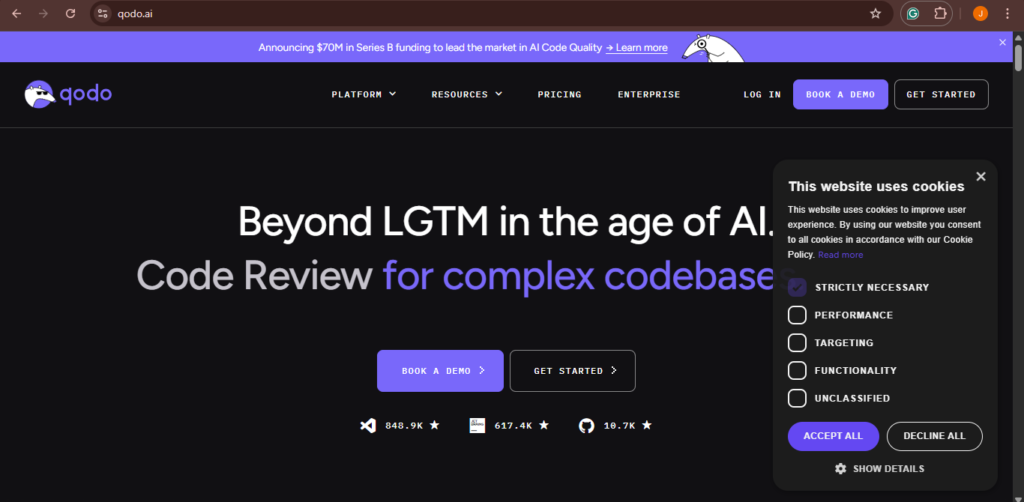
Most AI tools are great at writing code, but they’re pretty bad at checking if that code is actually good. We’ve all seen it: an AI generates a beautiful-looking function that actually has a massive logic hole or a security vulnerability. This is exactly where Qodo (formerly known as CodiumAI) has found its niche.
Their whole vibe is “Quality over Quantity.” While other tools brag about how many lines of code they can generate in a second, Qodo focuses on making sure those lines won’t break your production environment.
The “Test-First” Philosophy
What makes Qodo different is its focus on behavior. It doesn’t just look at the text; it tries to understand what the code is supposed to do. It generates meaningful test cases that cover edge cases you probably forgot about—like what happens if a user inputs a null value or an empty string in a weird format.
Why It’s a Game Changer for Teams
The standout feature here is definitely the PR-Agent. If you’ve ever worked on a big team, you know that Pull Request reviews are the biggest bottleneck in the dev cycle. Qodo’s agent can:
- Summarize changes: It tells the reviewer exactly what you did in plain English.
- Walkthroughs: It provides a guided tour of the code changes.
- Security Scans: It flags potential leaks or bad practices before a human even looks at it.
The Bottom Line: If your biggest fear is technical debt and buggy releases, Qodo is the tool you want in your stack. It’s like having a senior QA engineer living inside your IDE.
2. Cursor

If your still sticking to your old editor and just installing plugins, your kind of missing out on the biggest shift in dev tools. Cursor isn’t just a plugin; it’s an entire IDE built from the ground up to be AI-native. It’s a fork of VS Code, so all your favorite themes and extensions work perfectly, but the AI isn’t just a “guest”—it’s the boss.
Deep Repository Awareness
The problem with most plugins is that they only see the file you have open. If you’re working on a React frontend and need to know how the backend API endpoint is structured, a normal plugin might struggle. Cursor, however, indexes your entire codebase. You can ask it, “Where is the logic for the user login?” and it doesn’t just guess—it knows exactly which file and line to look at across your whole project.
The “Composer” Mode (Ctrl+I)
This is the feature that feels like magic. Instead of writing one function at a time, you can open “Composer” and give it a high-level instruction. For example: “Add a Stripe checkout flow and link it to my existing user dashboard.” Cursor will then:
- Create a new frontend component.
- Add a new API route in your backend.
- Update your database schema.
- Add the necessary environment variables.
It does all of this simultaneously. You can watch it edit four or five files at once. It’s the closest thing we have to a “Senior Dev in a box.”
The Catch: Because it’s so fast, it’s easy to get lazy. You still need to read what it writes, because if you blindly accept every change, you might end up with a codebase that works but is a nightmare to maintain.
3. GitHub Copilot
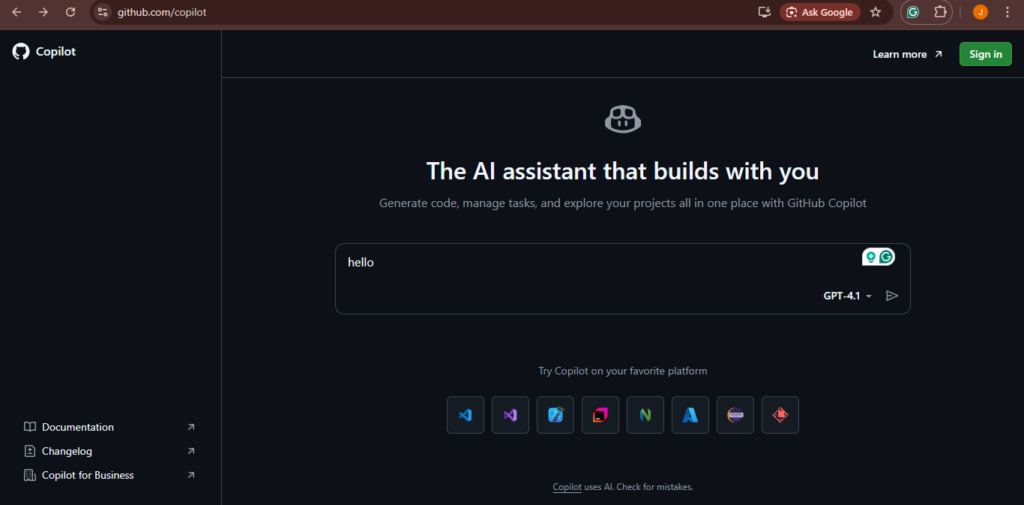
You can’t have a conversation about AI coding without mentioning the “OG.” GitHub Copilot is still the most widely used tool for a reason. Since it’s backed by Microsoft and OpenAI, it has a level of polish and ecosystem integration that is hard to beat.
More Than Just an Editor Extension
In 2026, Copilot has expanded way beyond the IDE. It’s now deeply integrated into the entire GitHub platform. For example:
- Copilot in the CLI: It helps you remember those obscure Git commands or Shell scripts that nobody actually memorizes.
- Copilot in GitHub Actions: If your build fails in the cloud, Copilot can analyze the logs and suggest a fix directly in the CI/CD pipeline.
- Copilot for Docs: You can ask questions about your project’s documentation, and it will give you answers based on the actual READMEs and Wiki pages in your repo.
Enterprise Security
For big corporate teams, Copilot is usually the only choice that gets past the legal department. Their Copilot Enterprise tier allows companies to index their own private repositories safely. It learns the “company way” of writing code (the specific libraries, the naming conventions, the architectural patterns) without leaking that data to the public.
The Bottom Line: If you want a tool that “just works” and has the best support and security for a professional environment, Copilot is the safe bet.
4. Claude Code

Anthropic recently entered the ring with Claude Code, and it has quickly become a favorite for “hardcore” developers. Unlike Cursor, which is a visual editor, Claude Code is a terminal-based agent. You talk to it through the command line, and it acts as an autonomous assistant.
Better “Reasoning” Capabilities
Many devs swear that the Claude models (specifically 3.5 and 3.7) are simply “smarter” than GPT-4 when it comes to complex coding logic. While GPT is great at boilerplate, Claude is better at understanding why a piece of code is written a certain way.
Agentic Workflows
Claude Code is an “Agent,” meaning it can execute tasks on its own. You can give it a command like: “Find every place where we are using the old version of the Auth library, migrate it to the new SDK, and then run the test suite to make sure nothing broke.”
Claude will then:
- Search your folders for the old library.
- Read the new library documentation.
- Write the new code.
- Open the terminal and run your tests.
- If the tests fail, it reads the error and fixes its own code.
The Bottom Line: It’s designed for the power user who lives in the terminal and needs to do heavy-duty refactoring across thousands of lines of code.
5. Tabnine
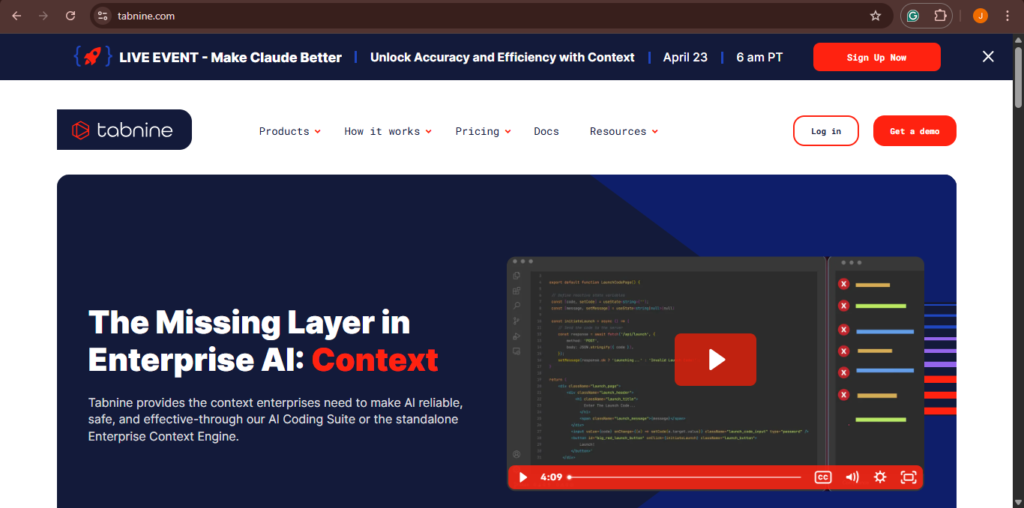
As AI becomes more common, the risk of data leaks has become a huge concern. Many companies are (rightfully) terrified that their proprietary algorithms will end up in a public training set. This is where Tabnine shines.
Zero-Data Retention & Local Models
Tabnine carved out its reputation by being the most privacy-conscious tool on the market. They offer a “Local-only” mode where the AI runs entirely on your own machine or your company’s private cloud. Your code never leaves your firewall. For industries like banking, healthcare, or government work, this is usually a non-negotiable requirement.
Personalization at Scale
Tabnine doesn’t just give you generic suggestions. It can be trained on your specific project. If your team uses a weird, internal library that nobody else uses, Tabnine will learn it. It picks up on your teams unique coding style, so the suggestions start feeling very “custom” to your specific project rather than just general Python or JavaScript tips.
The Bottom Line: If security and data sovereignty are your top priorities, Tabnine is the only tool that truly gives you peace of mind.
Comparison Summary: Which One Fits Your Flow?
| Tool | Primary Strength | Best For… |
| Qodo | Quality and Testing | Teams who hate bugs and long PR reviews |
| Cursor | AI-Native Experience | Individual devs who want to move fast |
| GitHub Copilot | Ecosystem Integration | Enterprise teams and GitHub users |
| Claude Code | Complex Reasoning | Hardcore logic and terminal junkies |
| Tabnine | Maximum Privacy | Regulated industries and private code |
The Future: Will AI Replace Us?
This is the question everyone asks. Honestly? No. AI isn’t going to replace developers, but developers who use AI are definitely going to replace those who don’t. In 2026, the job of a software engineer is shifting. We are becoming more like “Product Architects.” Instead of spending 8 hours a day typing out syntax, we spend our time:
- Defining the architecture: Deciding how the systems should talk to each other.
- Reviewing AI output: Making sure the logic is sound and the code is maintainable.
- Solving the “Hard” problems: Dealing with the 10% of bugs that are too complex for an AI to understand.
Real-world stories are what separate “Human” from “AI” tools. Even though we use these tools to write code, we shouldn’t use them to replace our own logic.
Final Thoughts
The best thing you can do right now is pick two of these tools—maybe Cursor and Qodo—and try them out on a side project. Most of them have free tiers for individuals. You’ll be surprised at how quickly your workflow changes. Just remember the golden rule of the AI era: Trust, but verify. The AI is smart, but its still just a bot. It doesn’t have to deal with the production outage at 2 AM—you do. So always read the code, always run your tests, and never let the machine have the final say!