Artificial Intelligence has transformed video creation. What used to take hours of editing and production can now be done in minutes with AI-powered tools. In 2026, AI video generators are not just simple editors—they are creative partners that help storytellers, marketers, and businesses produce professional-quality videos with ease.
Why AI Video Generators Matter
- Save Time: AI tools automate editing, rendering, and even scriptwriting.
- Lower Costs: No need for expensive production crews for basic content.
- Accessibility: Anyone can create videos, even without technical skills.
- Creativity Boost: AI adds cinematic effects, realistic characters, and unique styles.
How We Tested
Each tool was tested with the same cinematic prompt: A young woman in a flowing emerald green coat walks alone through a rain-soaked Tokyo alley at night… This allowed fair comparison across platforms.
Evaluation criteria: Accuracy & Consistency, Realism & Quality, Creativity & Style, Ease of Use
1. Runway – Best for Advanced Creative Control
Runway has established itself as a powerhouse in the AI video generation space, offering a suite of advanced tools that provide granular control over the creative process. It’s a favorite among filmmakers and VFX artists who need to do more than just generate a clip from a prompt.

- Strengths: Camera controls, motion brush, and custom AI training.
- Weaknesses: Complex interface, occasional glitches.
- Pricing: Free credits (limited), Standard $15/month, Pro $35/month.
My View: The Free plan was supposed to give 125 credits, but when I signed up, there were none left. So I went straight to the Standard plan to try it out properly. My first impression? The interface feels crowded. There’s a sidebar full of options like Tool, App, Chat, Workflow, and Live, which can be a bit much if you just want to make a quick text-to-video. It even took me a while to find the prompt bar, so the setup isn’t very beginner-friendly.
Runway is powerful but best suited for professionals who want granular control.
2. HeyGen – Best for Personalized & Translated Videos
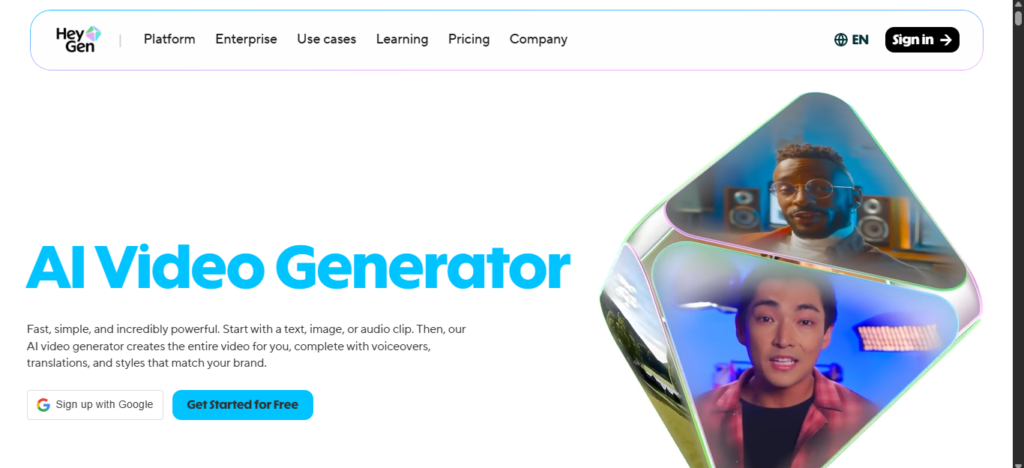
HeyGen has carved out a niche for itself by focusing on creating personalized and translated videos at scale. It’s an excellent tool for sales teams, marketers, and businesses that need to create customized video messages for a global audience.
- Strengths: AI translation, custom avatars, interactive features.
- Weaknesses: Avatars look cartoonish, inconsistent movements.
- Pricing: Free plan (3 videos/month), Creator $29/month.
Great for businesses targeting global audiences with personalized video messages.
My View: I was happy to see there’s a free version, so I used that for this test. Right away, the interface felt clean and easy to use. It doesn’t throw a bunch of videos or endless options at you—the prompt box is right in the middle, easy to find.
3. OpenAI Sora – Best for Narrative Storytelling
OpenAI’s Sora has generated a massive amount of buzz, and for good reason. It excels at creating longer, more coherent videos with a strong sense of narrative. It’s a powerful tool for storytellers who want to create compelling video content from a simple text prompt.
- Strengths: Long-form video generation, strong narrative consistency.
- Weaknesses: Walking animations look unnatural, region restrictions.
- Pricing: Available via ChatGPT Plus ($20/month) or Pro ($200/month).
Ideal for storytellers who want coherent, longer videos.
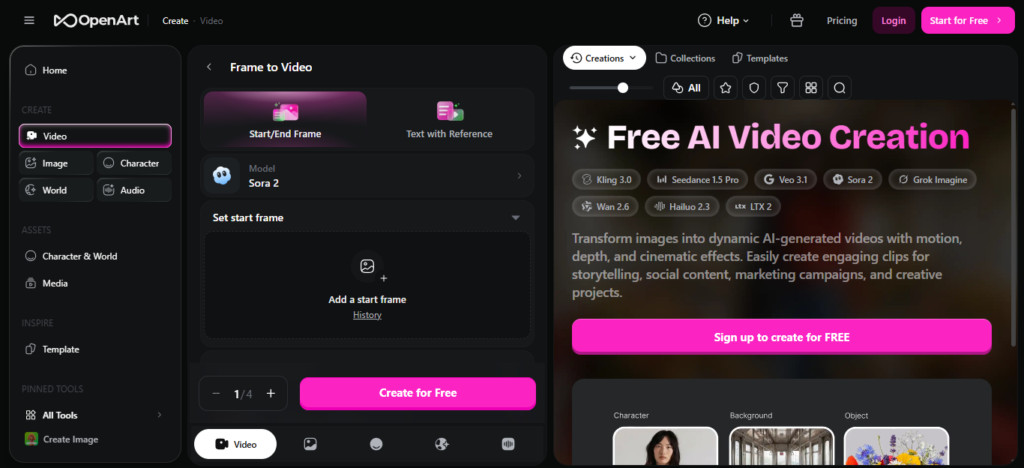
My View: I tried the free version through ChatGPT. The interface is pretty straightforward, with a simple toggle for making videos and options to set aspect ratio, resolution, and length. The free plan only allows 480p resolution and 5‑second clips, and it gives you two versions by default. Before starting, I looked at the explore page and noticed some of the AI’s limits in other people’s videos, which lowered my expectations. On top of that, there were so many moving colors and effects—it was meant to show off variety, but honestly, it felt a bit overwhelming.
4. Kling AI – Best for Photorealistic Humans
Kling AI has made a name for itself by specializing in the generation of photorealistic human characters and movements. It’s an excellent choice for creators who need to generate videos with realistic human actors for social media, marketing, or other content.
- Strengths: Realistic faces, natural movements, strong lip-sync.
- Weaknesses: Some details missed, color mismatches.
- Pricing: Standard $10/month, Pro $37/month.
Best choice for realistic human actors in marketing or social media.
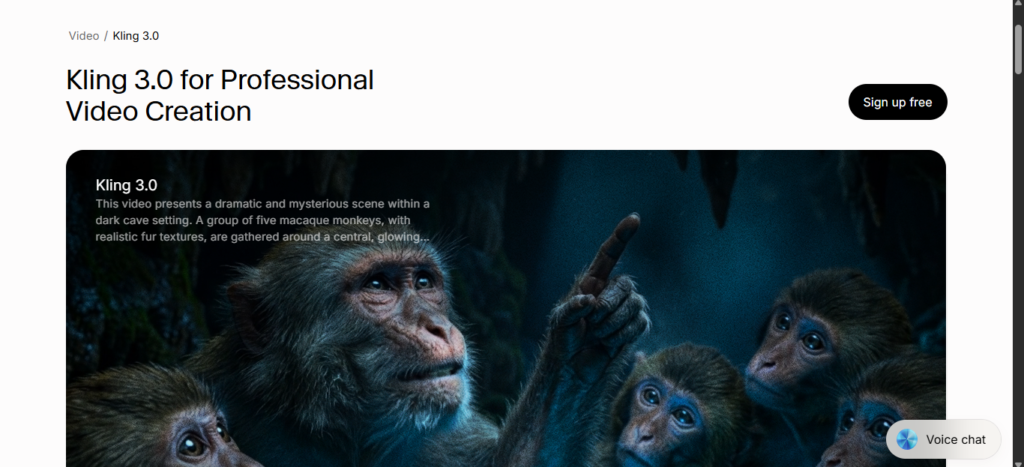
My View: The free version kept giving me traffic errors, so I switched to the Standard plan. The app has a lot going on, but getting to the prompt-to-video feature was pretty easy. You can choose video length (5 or 10 seconds), aspect ratio, and number of outputs. Some features, like Professional mode, are locked behind VIP tiers, but the default settings worked fine. There’s also a DeepSeek option built into the prompt box that helps refine your text, which could be handy for beginners. They offer different model versions too—I used Video 2.6, the newest one. The video generation was quick, taking about a minute at most.
5. Synthesia – Best for Business & Training Videos
Synthesia is the clear leader in the world of AI-powered business and training videos. It offers a library of professional AI avatars and a user-friendly platform that makes it easy to create high-quality corporate and educational content at scale.
- Strengths: 140+ avatars, 120+ languages, intuitive editor.
- Weaknesses: Some logical inconsistencies, limited free features.
- Pricing: Starter $29/month, Creator $89/month.
Perfect for corporate training and professional presentations.
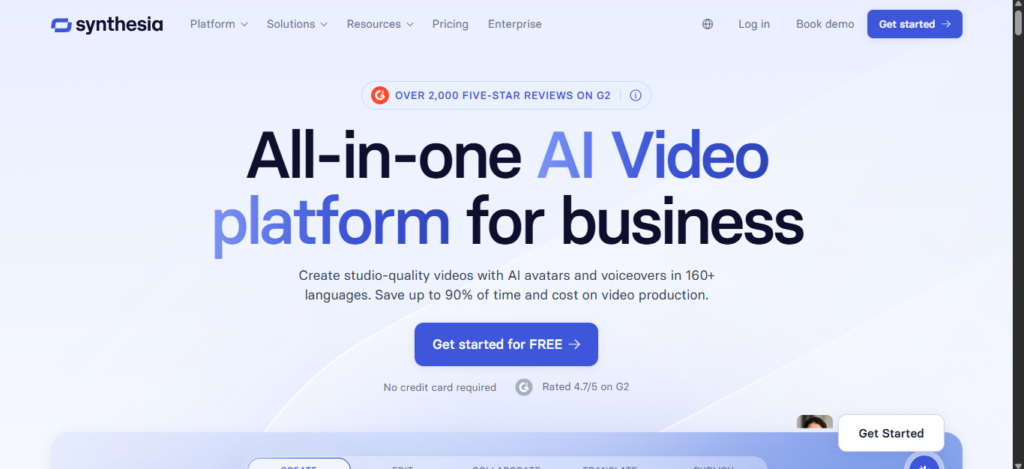
My View: I tested the free version, and the interface is one of the cleanest I’ve seen. There’s a video library to keep your content organized and an AI Playground tab with sample videos for inspiration. The prompt box is easy to use, with options to pick a model (Veo or Sora) and set the aspect ratio.
6. Luma Dream Machine – Best for Fast, Cinematic Results
Luma Dream Machine is all about speed and quality. It’s designed to produce highly cinematic and visually appealing results quickly, making it a great choice for social media managers, marketers, and creators who need to generate eye-catching content on the fly.
- Strengths: Extremely fast, cinematic quality, keyframe support.
- Weaknesses: Sometimes ignores prompt details.
- Pricing: Lite $9.99/month, Plus $29.99/month.
Great for social media managers needing quick, eye-catching content.
My View: I started with the free version, which only lets you use Ray 3 for 5‑second draft‑quality videos with a Luma watermark. The interface has an Ideas tab where you enter prompts, with options for aspect ratio, version (Ray 2 or Ray 3), and duration. There’s also a library of shots, camera angles, styles, and lighting to give you inspiration. One feature that stood out is the key frames option—you can upload start and end images, and the AI fills in the middle.
7. Pika – Best for Creative & Social Media Content
Pika is a fun and creative tool that’s popular with artists, designers, and social media creators. It offers a wide range of features for remixing and adding creative twists to your videos, making it a great choice for those who want to create unique, stylized content.
- Strengths: Creative remix features, active community.
- Weaknesses: Confusing interface, misses prompt details.
- Pricing: Standard $10/month, Pro $35/month.
Best for artists and creators who want unique, stylized videos.
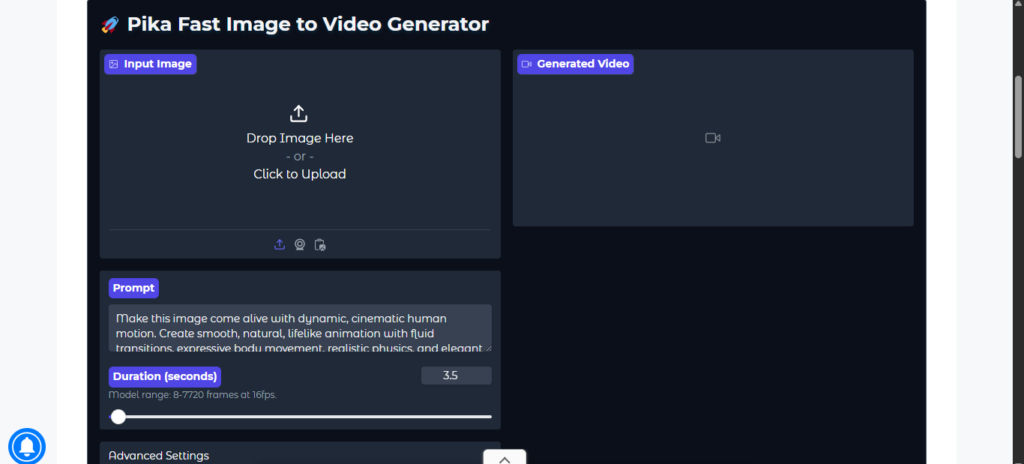
My View: I tried the free version, and honestly, the interface was confusing at first. There were so many elements that I didn’t know where to put my prompt. It has features like Pikaframes (upload start and end frames, and the AI fills in the middle), Pikaformance (talking head avatars), Pika Additions (add things to an existing video), Pikaswaps (swap characters or objects), and Pikatwists (add twists to a character or object). It’s a lot to take in. In the end, I just used the basic prompt feature without any of the extras.
8. Google Veo 3 – Best for Cinematic Realism
Google’s Veo 3 is a major contender in the AI video space, aiming for high-fidelity, near-photorealistic video output. It has an excellent understanding of natural language and cinematic terms, making it a powerful tool for storytellers and brands looking to create high-end video content.
- Strengths: High-fidelity output, consistent characters, strong language understanding.
- Weaknesses: No free version, occasional glitches.
- Pricing: Google AI Pro $28.99/month.
Excellent for brands and filmmakers seeking realistic cinematic quality.
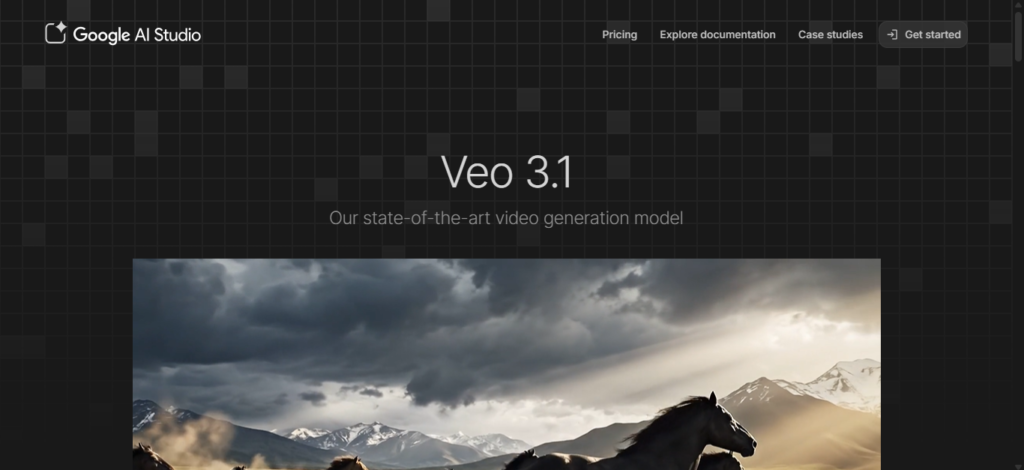
My View: There’s no free version for Veo 3 video generation, so I had to upgrade to try it. When I tried using Gemini without a subscription, it just gave me an error telling me to upgrade.
Once I did, switching to video generation was easy. The interface is clean, with a simple chatbox for prompts. There are three versions to choose from: Fast, Thinking, and Pro. I went with Fast, the default option, since Pro is more geared toward advanced math and coding.
9. Adobe Firefly – Best for Adobe Creative Cloud Users
For video editors, motion designers, and creative professionals already embedded in the Adobe ecosystem, Firefly is a natural choice. Its native integration with Adobe Premiere Pro and After Effects creates a seamless workflow that other tools can’t match.
- Strengths: Seamless integration with Premiere Pro & After Effects.
- Weaknesses: Some outputs irrelevant, slow generation.
- Pricing: Standard $9.99/month, Pro $19.99/month.
Perfect for professionals already using Adobe tools.
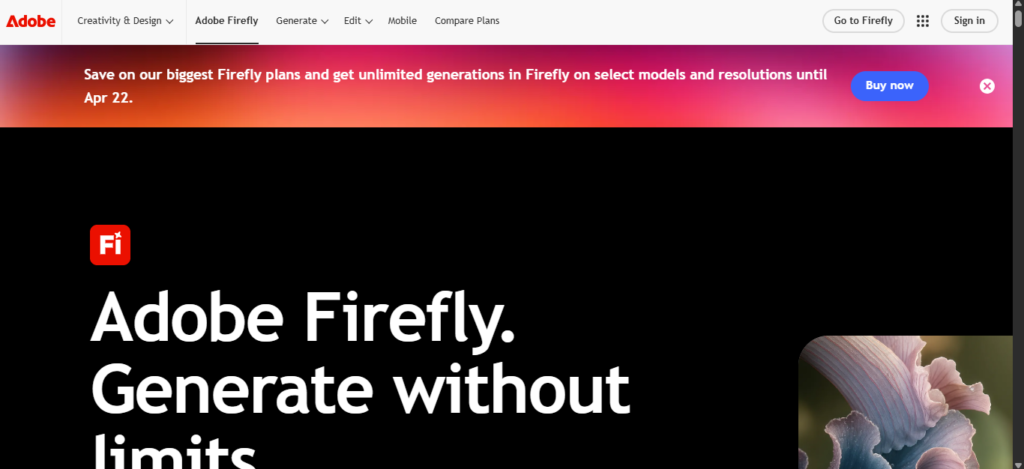
My View: I tried the free version, and the interface was clean and easy to use. To make a video, you just click “generate video.” The settings are on the left, while the prompt box and chat are on the right. The settings are pretty detailed, almost like a mix of different tools. You can pick from a wide range of models and versions, including the Firefly Video model. On the free plan, you can change resolution, aspect ratio, input frames, shot size, and camera angle, though frame rate and duration are fixed. There’s also an Edit tab. Overall, I was impressed with how the interface looked and worked.
Comparison Table
| Tool | Best For | Starting Price |
| Runway | Creative control | $15/month |
| HeyGen | Personalized videos | $29/month |
| Sora | Storytelling | $20/month |
| Kling AI | Realistic humans | $10/month |
| Synthesia | Business/training | $29/month |
| Luma | Fast cinematic | $9.99/month |
| Pika | Creative content | $10/month |
| Veo 3 | Cinematic realism | $28.99/month |
| Firefly | Adobe users | $9.99/month |
Conclusion
Choosing the right AI video generator really depends on what you want to create. Each tool has its own strengths, so it helps to match your goals with the right platform. Here’s a quick breakdown:
Best AI Video Generators by Use Case
- Business & Training
- Synthesia
- HeyGen These tools are great for presentations, tutorials, onboarding videos, and anything that needs a clean, professional look.
- Storytelling & Creative Projects
- Sora
- Runway Ideal for short films, concept scenes, and visually rich storytelling.
- Realistic, High‑Fidelity Video
- Kling AI
- Veo 3 These focus on lifelike motion, detailed environments, and high realism.
- Fast, Creative, and Experimental
- Luma
- Pika Perfect for quick ideas, stylized visuals, and playful experimentation.
- Professional Workflows & Editing
- Adobe Firefly
AI video generators in 2026 are powerful, varied, and easier to use than ever. Whether you’re a marketer, filmmaker, educator, or just someone experimenting for fun, there’s a tool that fits your needs. This expanded guide gives you a clear starting point to choose the best option for your projects.